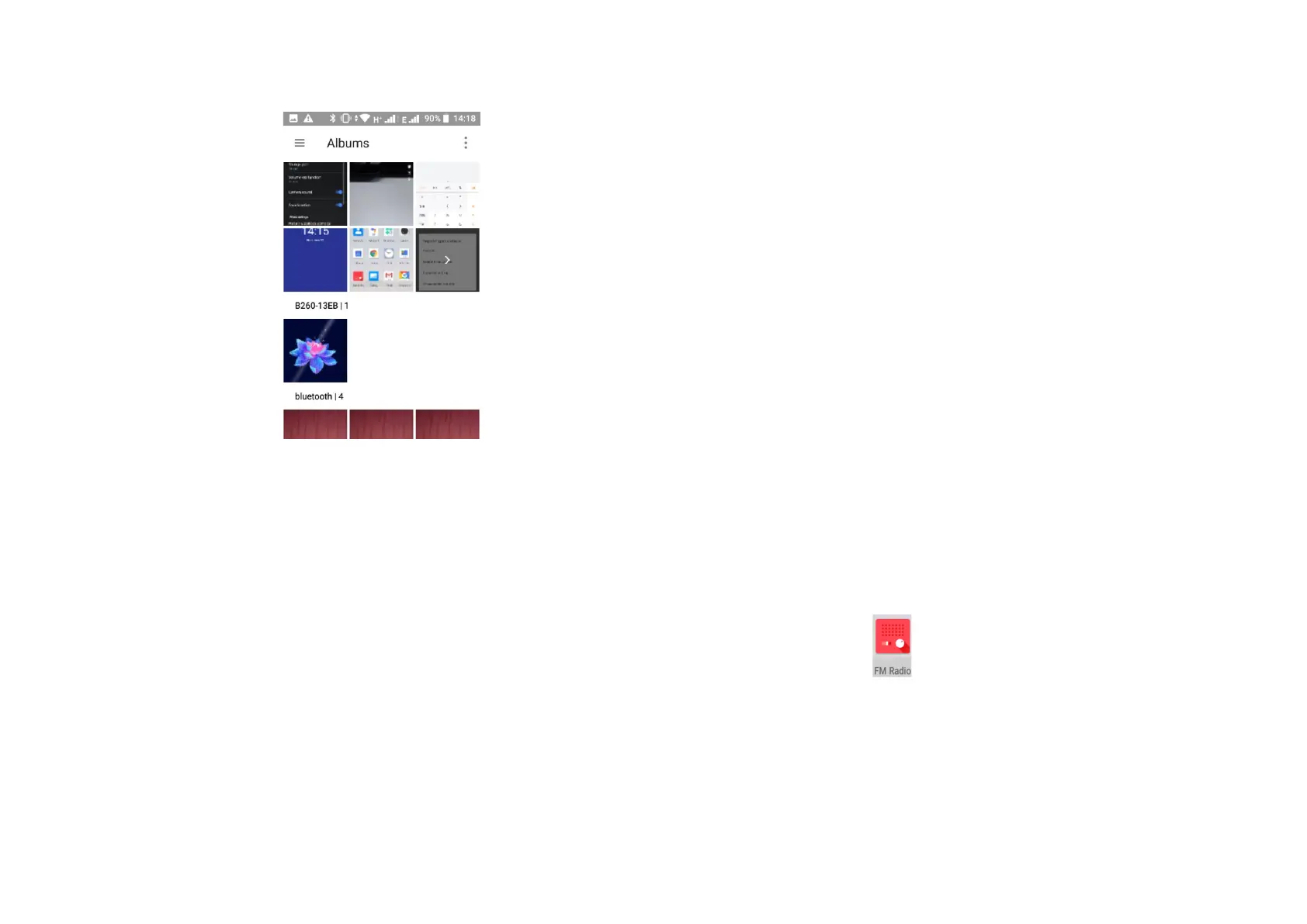
Touch the menu button on the top right of the Gallery
screen and you can select to see all albums, photos and
videos or select to see only photos, videos or albums.
11.6 Editing pictures
You can edit pictures, add effects, crop, share and set as a
contact photo or wallpaper. To do this select the photo
you want, touch the edit button available in the lower
part of the screen to edit the photo.
Touching the icons at the bottom of the screen allows
you to change effects, borders, crop, rotate, draw and
adjust exposure settings and effects as you choose.
11.7 Share a photo or video
You are able to share photo’s and videos from your
phone by email, Bluetooth or using social media
messaging and apps you may have installed on your
device.
- To share a photo or video select the chosen photo/video
thumbnail/s in the galley view by a long press on the thumbnail.
- Touch the share icon, the methods to send will be displayed.
Touch the option you wish to send the content by and complete
the action.
- To attach photo’s or videos from the email application click on
the paperclip icon when creating a new email and chose the
photo from the selection.
12 FM Radio
Your phone has an in-built FM radio. The wired headset supplied with
the phone acts as an antenna, please insert the headset into the
device to enable the radio function. When listening to the radio you
can switch to speaker mode if required.
To access the radio, touch the Application tab from the Home screen,
then touch FM Radio.



 To Next Page