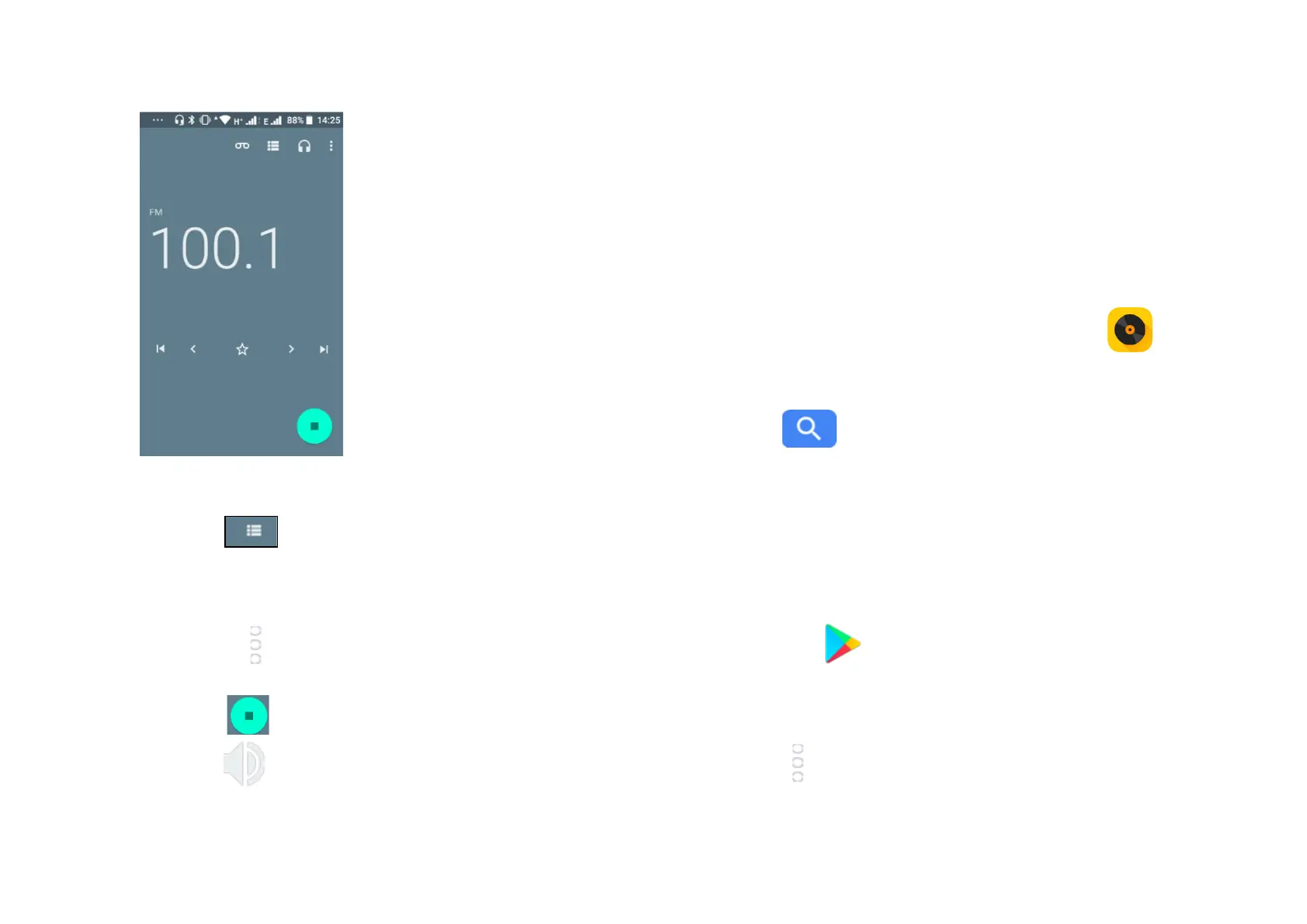
- Touch and automatic scanning search is activated for
FM channels. You can use the buttons in the lower of the screen
to move ahead and back through channels.
- Touch the star icon to save a channel to favourites.
- Touch the icon when listening to the radio and you can start
recording or listen to previous recordings.
- Touch to close the radio.
- Touch icon and the radio will play outloud.
- To listen to FM radio in the background touch the back key and
you will be returned to the phone menu and can use other
applications while you listen to the radio.
13 Music
Using this menu, you can play music files stored on the microSD card
and on your phone. Music files can be downloaded from computer to
microSD card using a USB cable. To access this function, touch the
Application tab from the Home screen, then touch Music .
You will find five categories in which all songs are classified: Artists,
Albums, Songs, Playlists and Folders. Slide left and right to view all.
Touch the button to find specific music you wish to play.
14 Google Play Store
Google Play store is an online software store where you can
download and install applications and games to your android
powered phone.
To open Google Play Store:
- Touch the Application tab form the Home screen, then touch
Play Store
- For the first time you access Google Play Store, a screen with
terms of service pops up for your attention, touch Accept to
continue
- Touch and select Help & Feedback to enter Google Play Store
help page for more information on this function.



 To Next Page