20
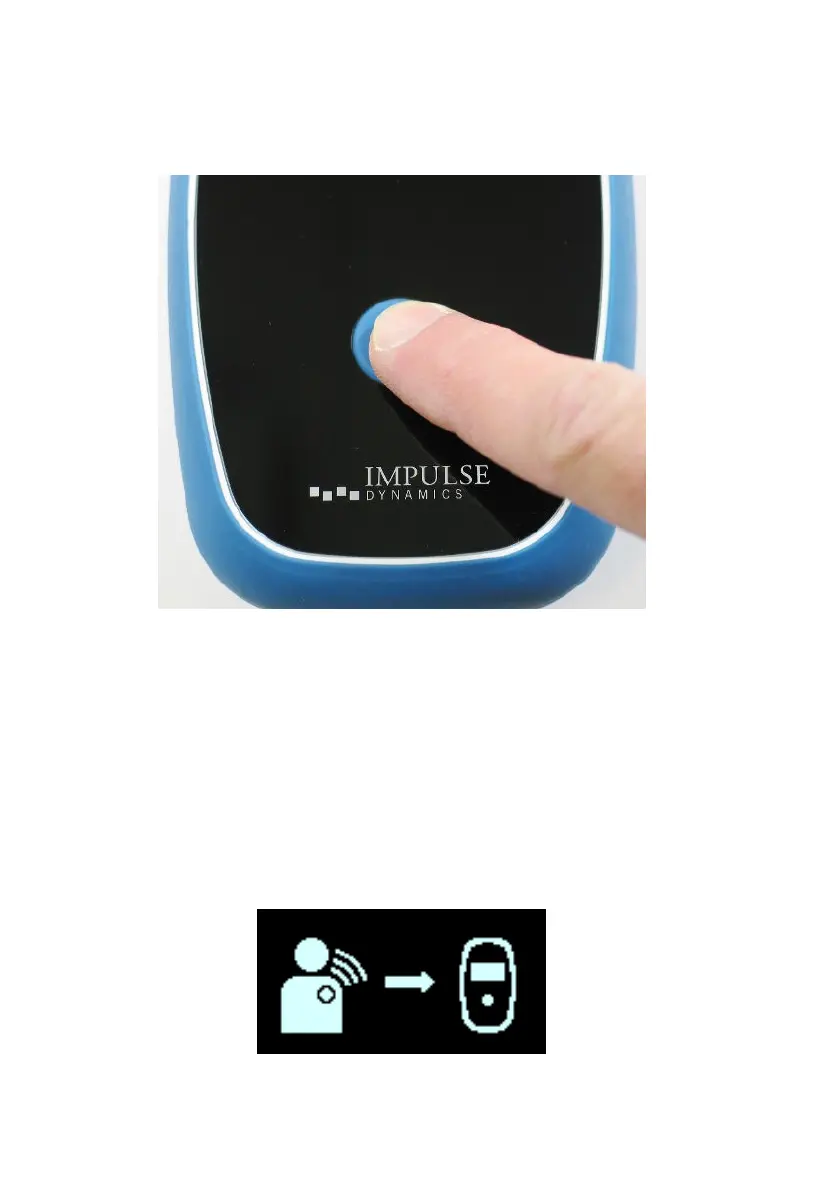
3. Start the charging process by pressing the Power
Button, holding the button down for 1-2 seconds, and
then releasing it. See Figure 14.
Figure 14: Pressing the Power Button on the Charger
Note: If any alerts have been triggered, the Call Doctor Alert
screen may be displayed. If a Call Doctor Alert Code appears
on the screen of your Guardio Charger, follow the instructions
described in Section 7.12.
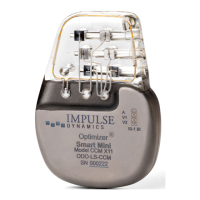
4. The charging process begins by displaying the IPG Data
Download screen as your Guardio Charger downloads
information from your OPTIMIZER Integra CCM-D IPG.
The animated arrow pointing to the charger icon indicates
that your Charger is actively downloading information
from your implanted device. See Figure 15.
Figure 15: IPG Data Download Screen


 To Next Page