21
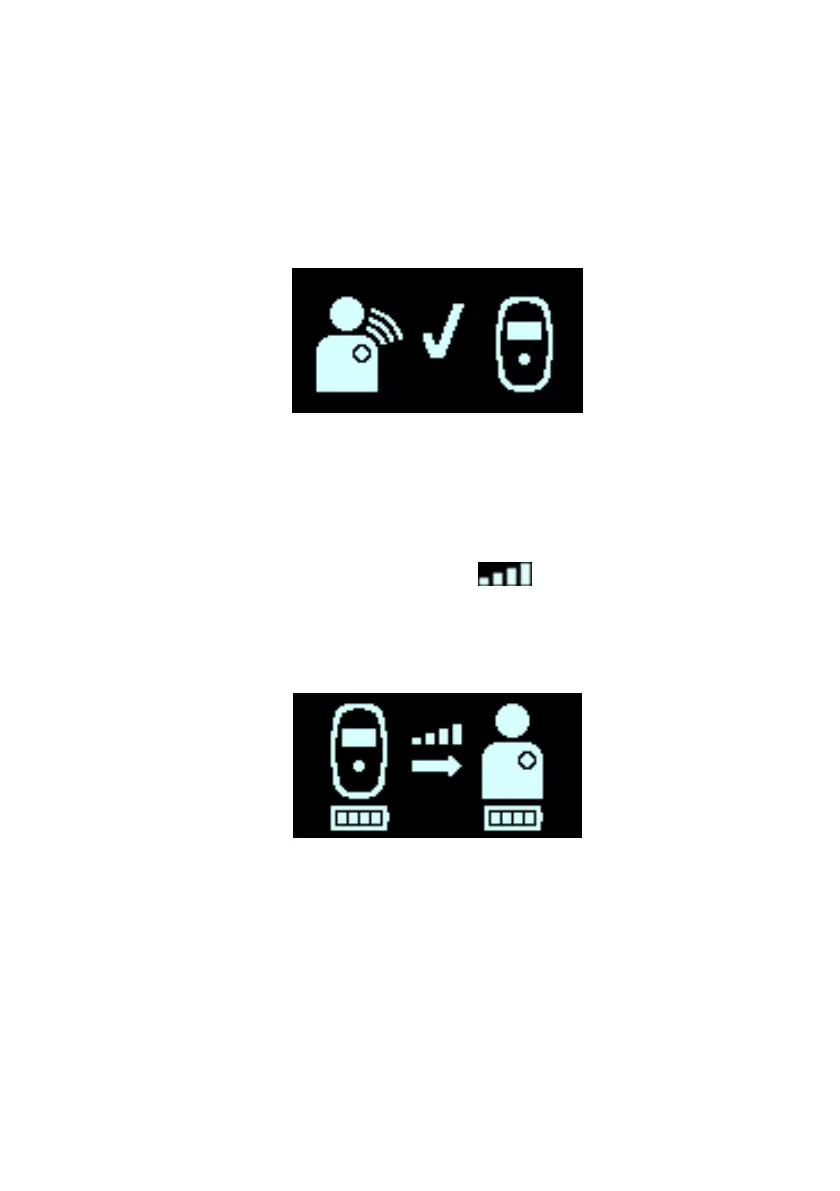
5. When your Guardio Charger has successfully completed
downloading the data, it will display the IPG Data
Download Success screen accompanied by 3 short
beeping tones. The flashing checkmark indicates that
your Guardio Charger was able to successfully able to
download information from your implanted device. See
Figure 16.
Figure 16: IPG Data Download Success Screen
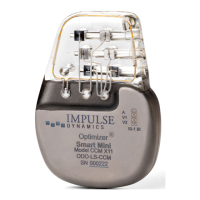
6. After the data download has been completed, the
Charging IPG Status screen will be displayed, indicating
that your Guardio Charger has begun actively charging
your OPTIMIZER Integra CCM-D IPG. See Figure 17.
The Coupling Level icon (
) at the center of the
Charging IPG Status screen will show anywhere from
zero to four illuminated bars. Reposition the charging
wand until at least two bars of the Coupling Level icon are
illuminated.
Figure 17: Charging IPG Status Screen



 To Next Page