23
displaced during charging, the Coupling Level icon will show
zero illuminated bars and your Guardio Charger will begin to
emit an audible beeping tone. If this occurs, please reposition
the charging wand until at least two bars of the Coupling Level
icon are illuminated.
Note: If weekly charging of your OPTIMIZER Integra CCM-D
IPG is not performed as instructed, charging the battery of
your OPTIMIZER Integra CCM-D IPG may take longer. If the
recharging of your OPTIMIZER Integra CCM-D IPG cannot be
completely recharged in one session, repeat the charging
sessions (at least daily) until it is fully charged.
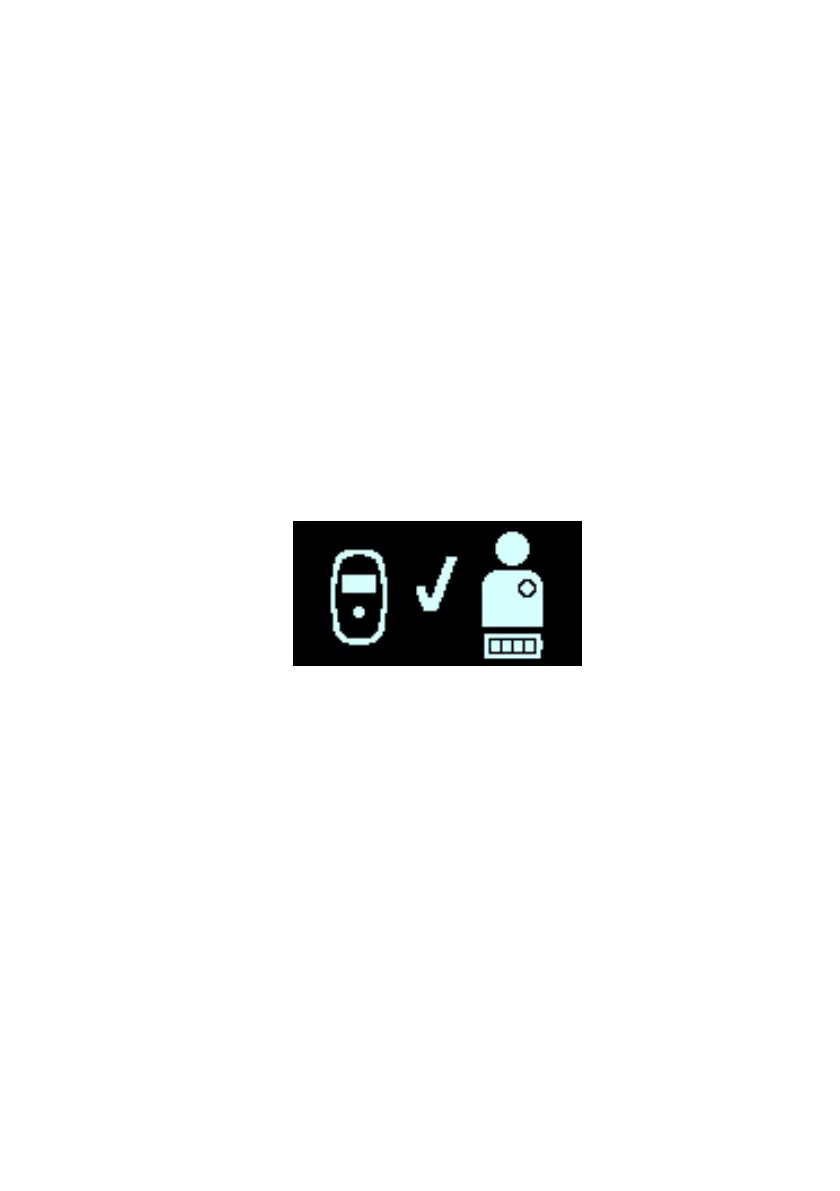
9. When the battery of your OPTIMIZER Integra CCM-D IPG
is fully charged, your Guardio Charger will emit 3 short
beeping tones and display the IPG Charging Successfully
Completed screen, indicated by the flashing checkmark in
the center of the screen (see Figure 19). Your Guardio
Charger will then shut off automatically.
Figure 19: IPG Charging Successfully Completed Screen
10. Detach the charging wand cable clip from your clothing (if
attached), then remove the Guardio charging wand from
your implant site and undrape the wand cable from
around your neck.
11. Reconnect the AC Adapter to your Guardio Charger as
described in Section 7.9.


 To Next Page