EasyManua.ls Logo

Inateck BCST-55 - Bluetooth HID Mode

Inateck BCST-55
67 pages
Print Icon
To Next Page IconTo Next Page
To Previous Page IconTo Previous Page
Loading...
Enter Setup
Exit and Save
17
3s
5s
10s
15s
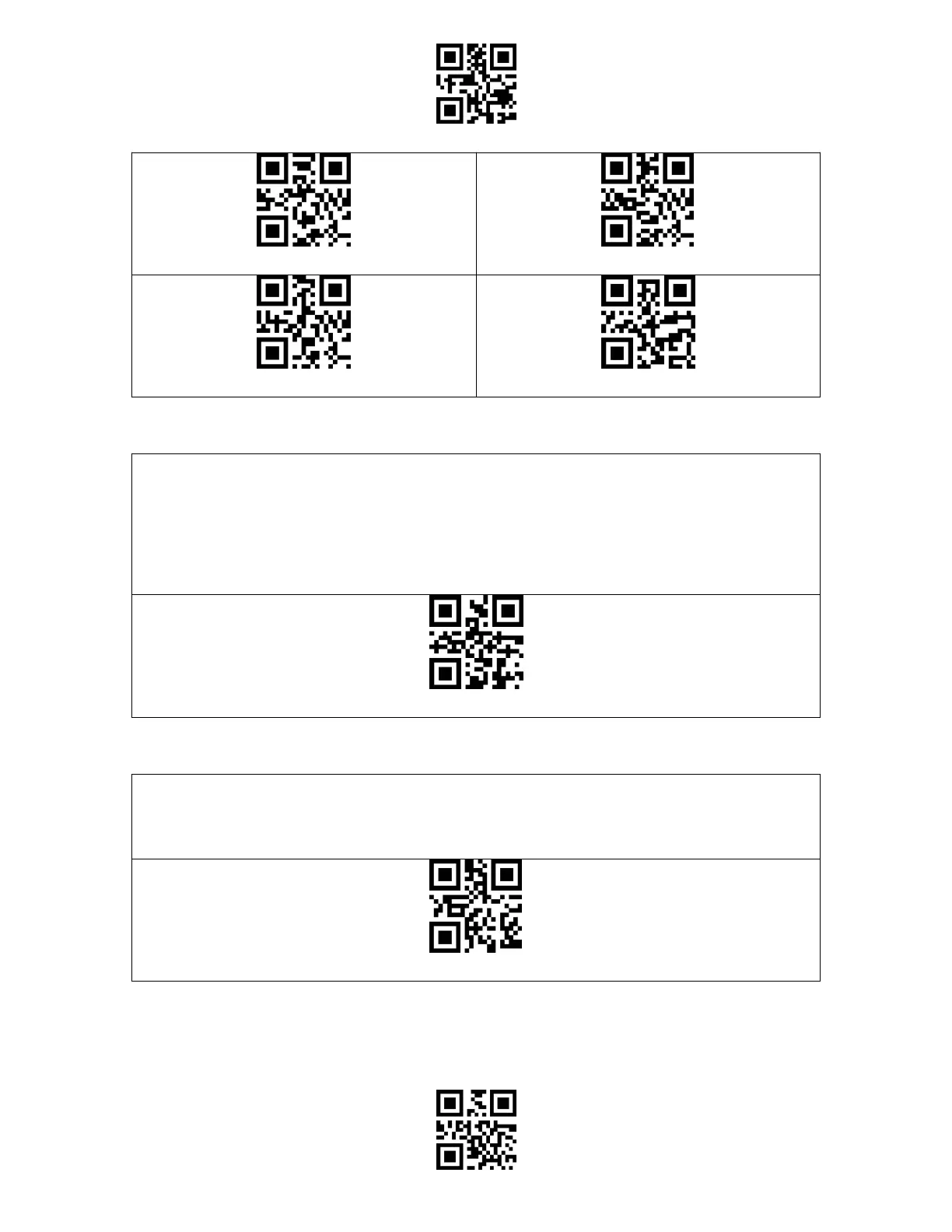
Manual Scanning Mode
When under the manual scanning mode, a red-light beam will appear when you press the
scan button which indicates the scanner is ready to scan barcodes. The red light will not go
off until one of the situations below occurs.
1. Read a barcode successfully
2. Release the scan button
Manual Reading Mode
Hands-free Scanning Mode
When under the hands-free scanning mode, the red light won't go off when the scanner
reads a barcode successfully. Each barcode will be read only once no matter how long it
exposes under the red light.
Hands-free Mode

Table of Contents

Other manuals for Inateck BCST-55

Related product manuals