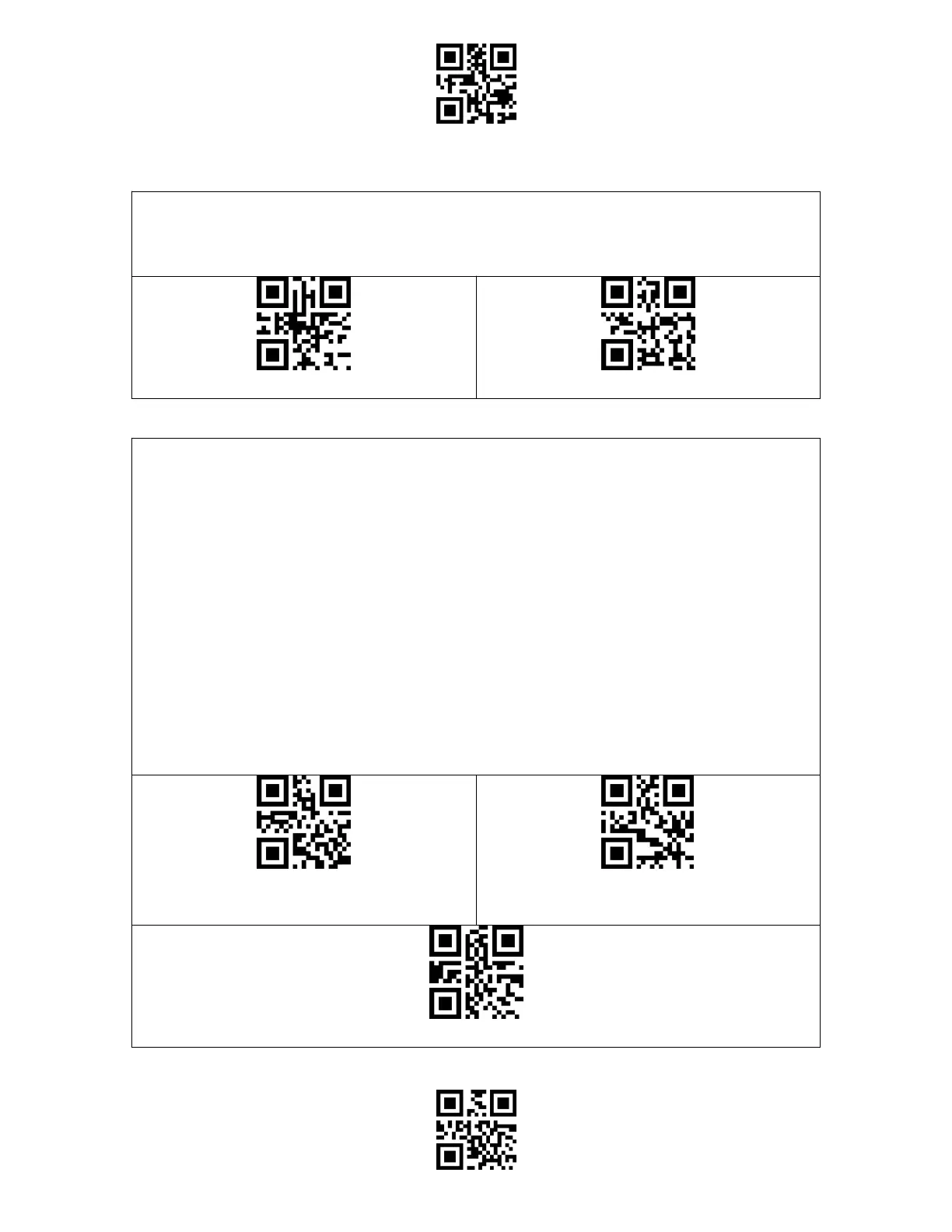
When using the BCST-55 on a Windows system, the content of a barcode may change with
the status of the caps lock key. To avoid errors caused by such change, you may enable the
"Rid Barcode of Caps Lock Control".
Under this mode you may set 1-6 digits as initial characters, and the scanner will only
recognize the barcodes with these initial characters. Please refer to the Appendix I for the
supported characters.
Steps to enable reading barcodes with initial characters "A" and "6" are as below:
1. Read the "Enter Setup" barcode.
2. Read the "Set the Special Initial Character" barcode.
3. Read the "A" barcode in Appendix I;
4. Read the "6" barcode in Appendix I;
5. Read the "Exit and Save" barcode.
Note: After you set the initial characters by steps above, the BCST-55 will only recognize
the barcodes with specific initial characters. If you want to disable the function, please read
the "Enter Setup" - "Remove the Restriction on Initial Characters" - "Exit and Save".



 To Next Page