EasyManua.ls Logo

Inateck BCST-55 - Settings of Data Coding Format

Inateck BCST-55
67 pages
Print Icon
To Next Page IconTo Next Page
To Previous Page IconTo Previous Page
Loading...
Enter Setup
Exit and Save
49
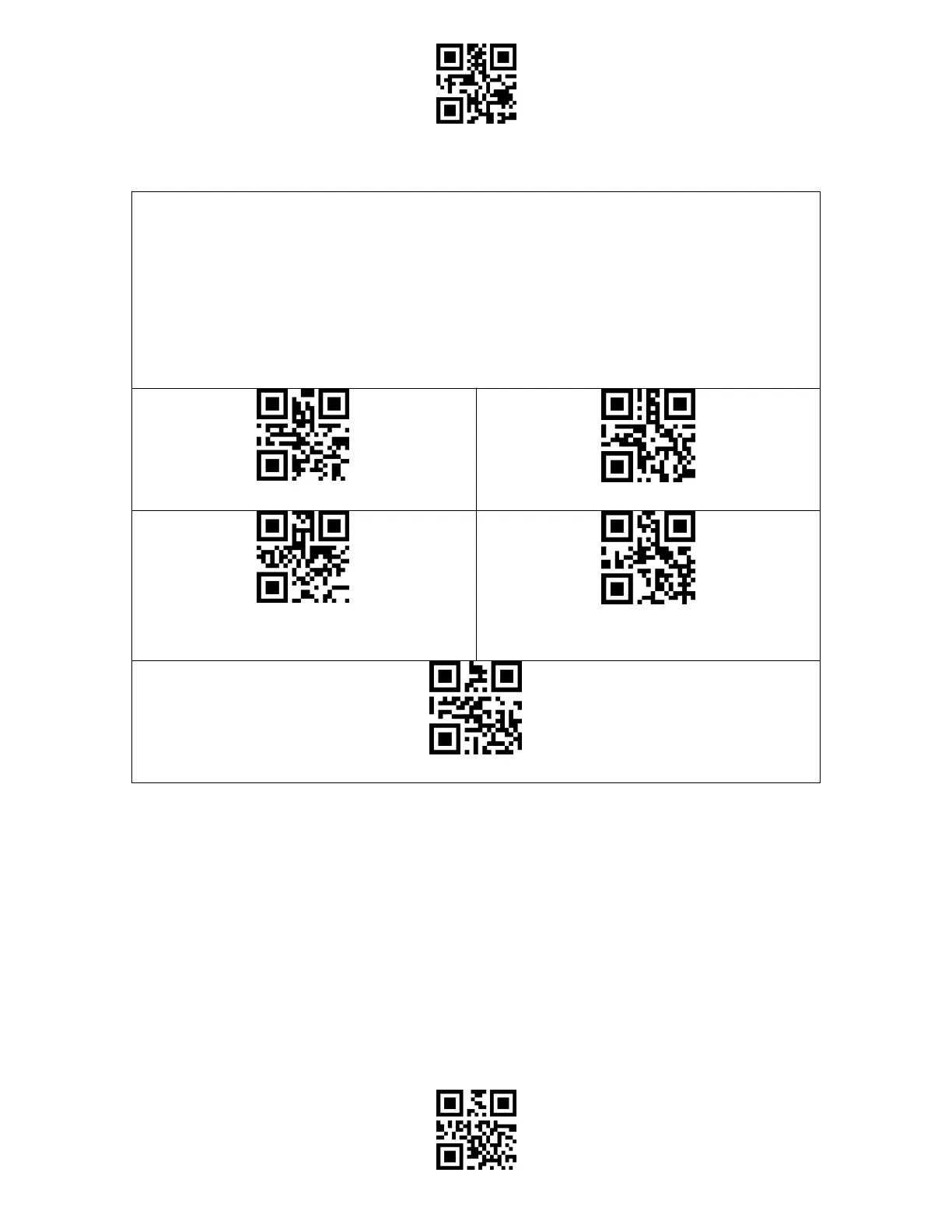
Settings of Data Coding Format
To let the host print Chinese data in given code format, you may complete the setting by
reading the "Data Coding Format" barcode. The scanner defaults outputting data in GBK
coding format.
1. Original Data Format, the data coding output format is closely connected with the code
generation environment. The output format can be GBK or UNICODE.
2. The GBK (GB2312) is applicable to software like Notepad, Excel, etc.
3. The UNICODE is applicable to software like WORD etc.

(*) Original Data Coding Format
GBK Data Coding Format
Unicode Data Coding Format
(*) Disable Original and GBK Chinese
Character Recognition
Enable Original and GBK Chinese Character Recognition

Table of Contents

Other manuals for Inateck BCST-55

Related product manuals