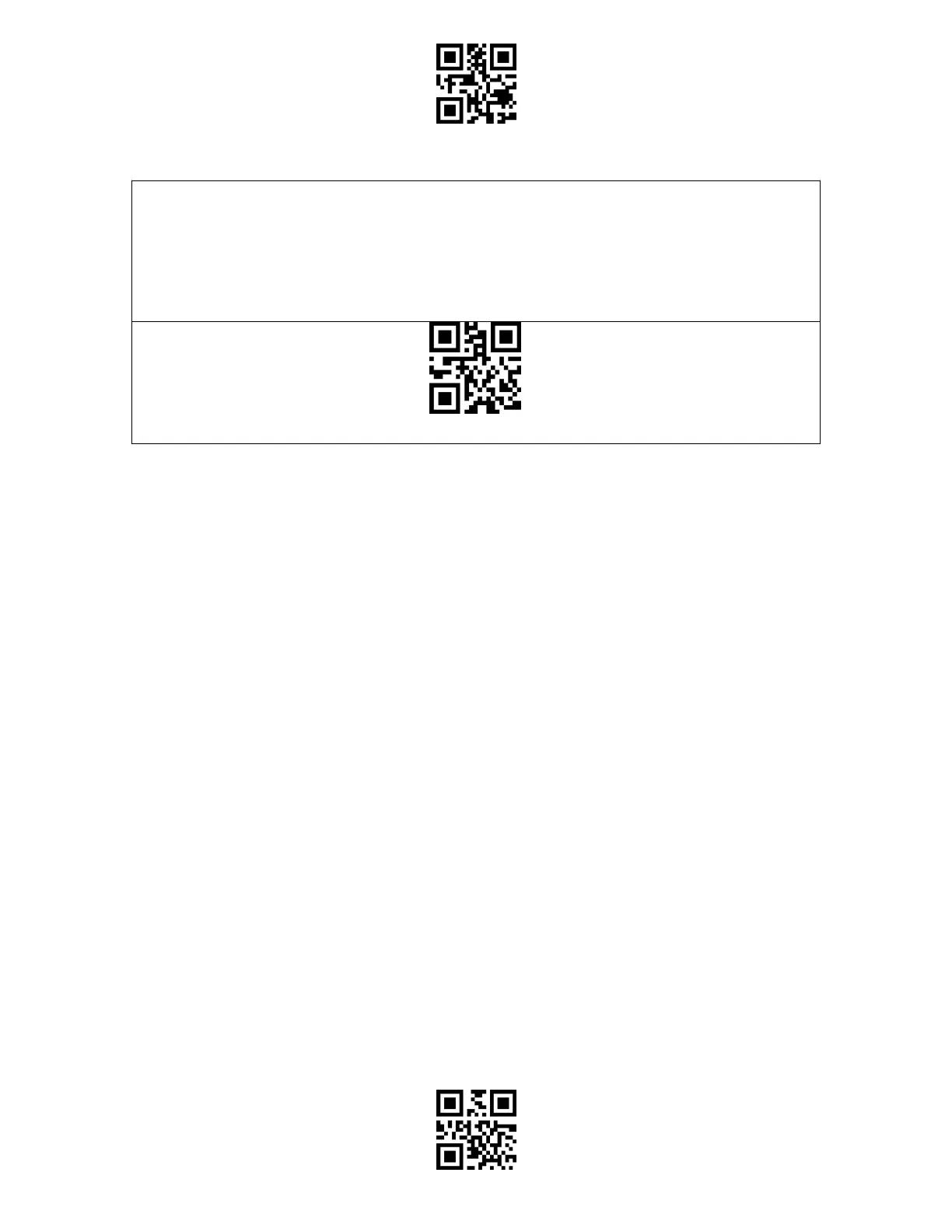
The Bluetooth mode (HID) is not a default mode. To switch to this mode, please scan the
setting barcodes in sequence " Enter to setup" - " Bluetooth mode (HID)" - " Exit with Save"
Note: Normally BCST-55 can re-connect to previously connected device automatically. If it
fails, please remove the paring history of BCST-55 in the list of host device. Afterwards, pair
them again.



 To Next Page