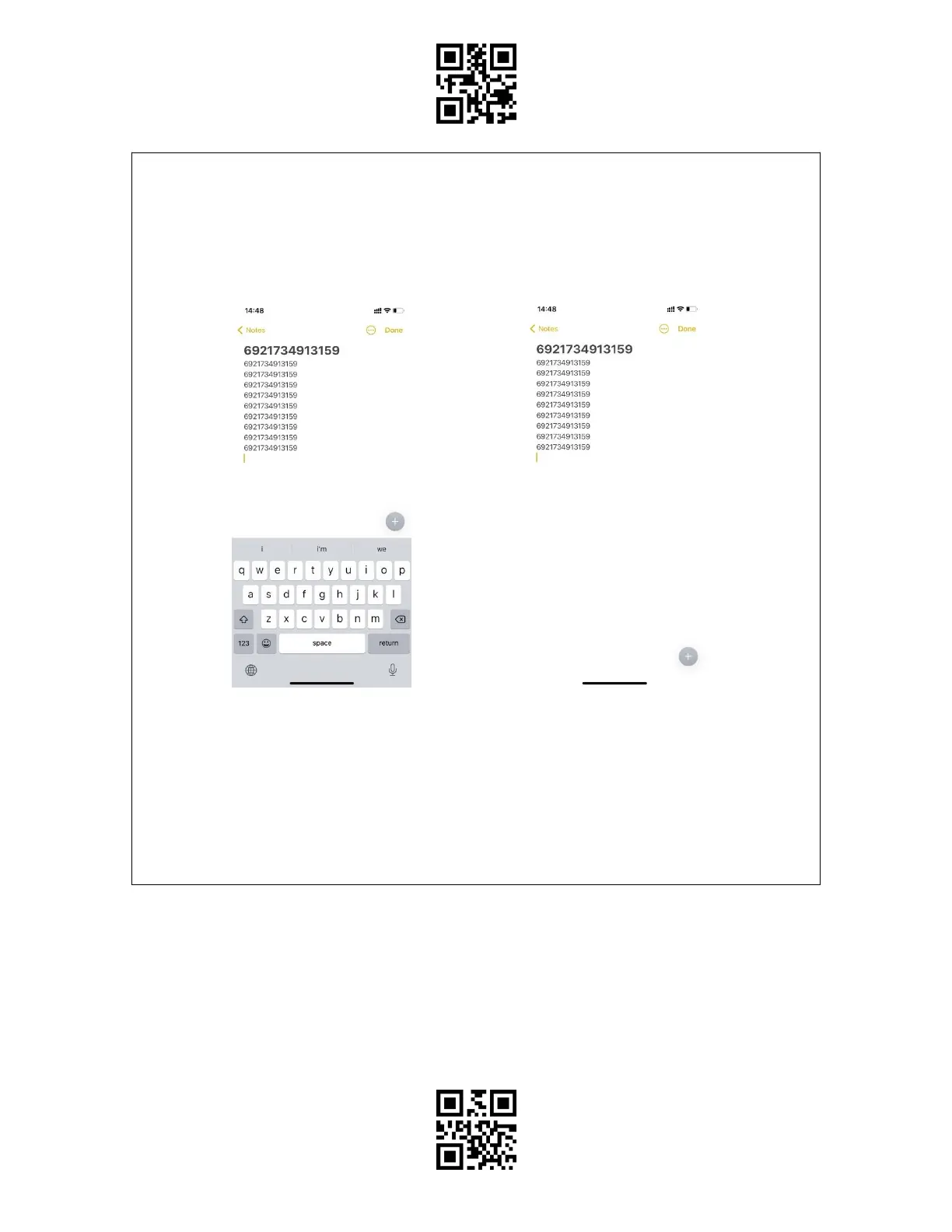
When under the Bluetooth HID mode, the phone will hide the virtual keyboard
automatically after connected with the BCST-55.
If you are on an iOS device and want to pop out the virtual keyboard when scanning, you
may long press the scan button for 3s and for another 3s to hide the virtual keyboard, which
is illustrated in the picture below.
If you are on an Android device and want to reactivate the virtual keyboard, please follow
the steps below:
1. Open the "Settings" app on your Android device.
2. Select language and input method, and conduct the steps below according to your
Android system version:
Android 7.0 and above: Select "Physical Keyboard"-"Show Virtual Keyboard" in turn.
Android 6.0 and lower: Select "Current Keyboard" - "Hardware (Show Input Method)" in turn.



 To Next Page