Enter Setup
Exit and Save
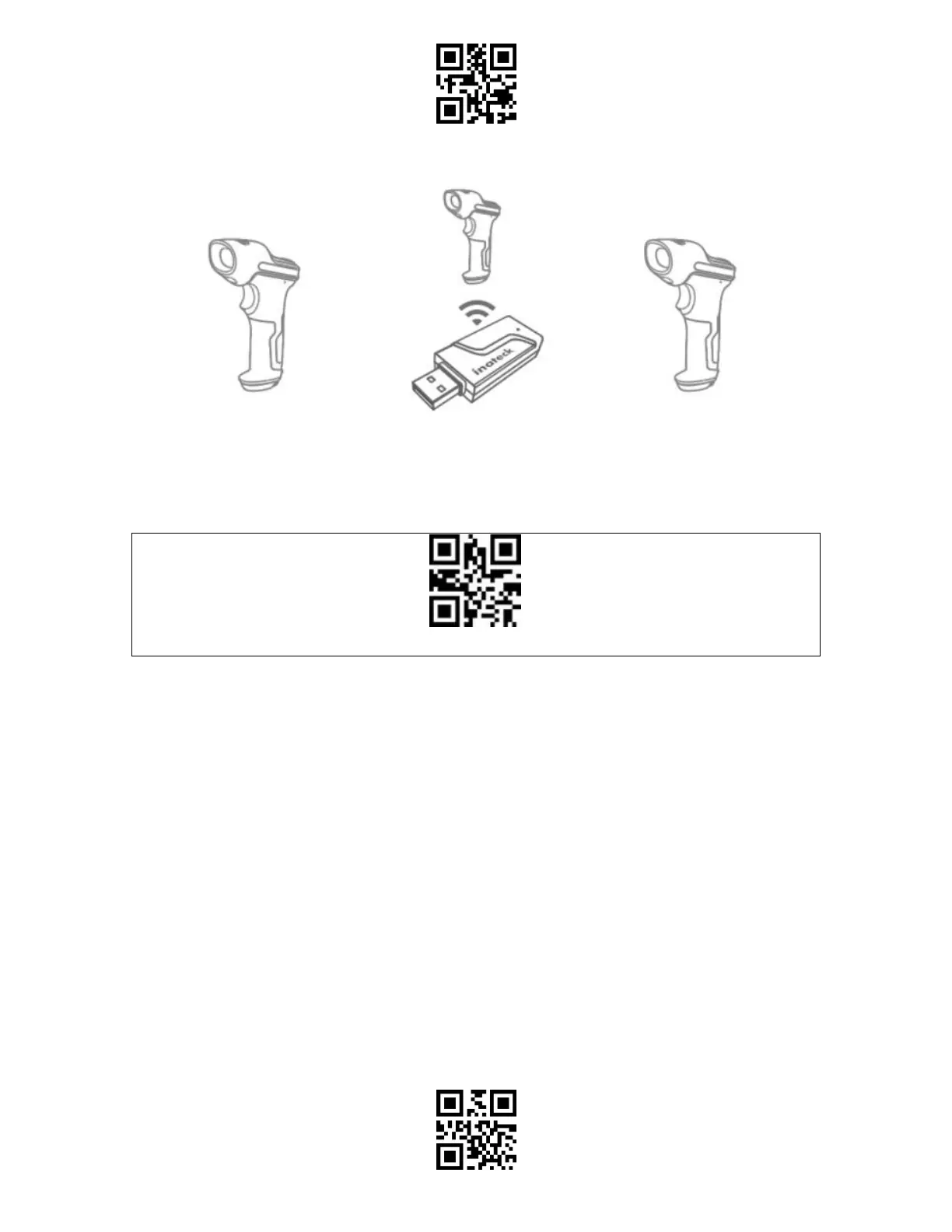
2) Pair one or more scanners with one USB adapter
a) Plug the adapter into your computer
b) Scan "Enter Setup" barcode
c) Scan the barcode " Pair one or more scanners with one USB adapter", and get the Inateck
BCST-55 as close as possible to the USB adapter (within 2 meters).
Pair one or more scanners with one USB adapter
d) A three-chord sound (from low to high) indicates a successful pairing. Once there is a
long high tone, it means the pairing fails and a repeated operation is needed. To pair more
scanners with the adapter, please operate as the steps mentioned above.



 To Next Page