27
Advanced > Setup menu
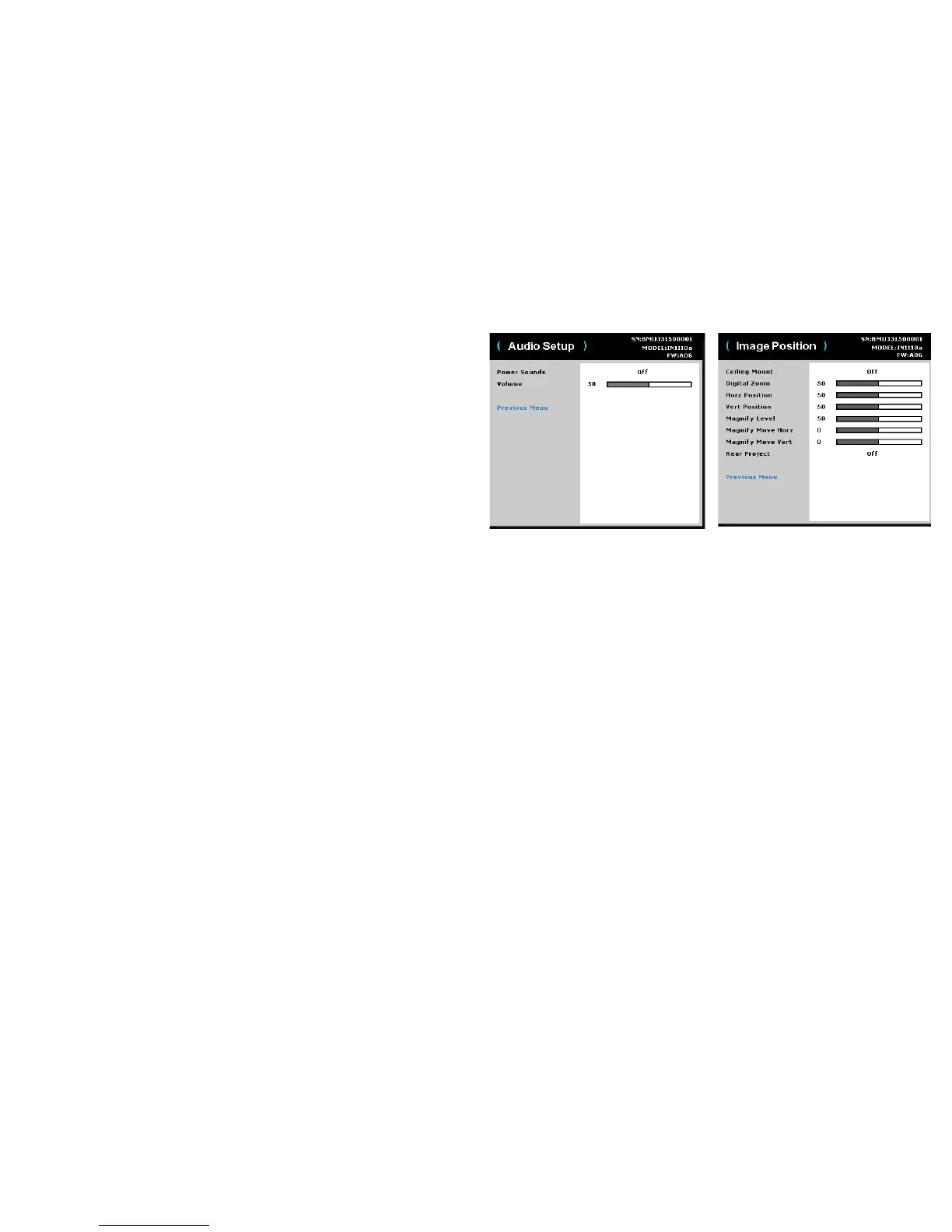
Audio Setup:
• Powe
r Sounds: controls whether the projector makes a sound when powered
on and off.
• Vol um e: adjusts the volume level.
Image Position:
• C
eiling Mount: turns the image upside down for ceiling-mounted projection.
• Dig
ital Zoom: changes the size of projector’s display area.
• Hor
z Position: adjusts the position horizontally of a computer source.
• Ve
rt Po si ti on : adjusts the position vertically of a computer source.
• Magnify Lev
el: adjusts the magnify level setting of the image.
• Magnify Mo
ve Horz: adjusts the magnify setting in horizontal direction.
• Magnify Mo
ve Vert: adjusts the magnify setting in vertical direction.
• Rear Pr
oject: reverses the image so you can project from behind a translucent
screen.


 To Next Page