41
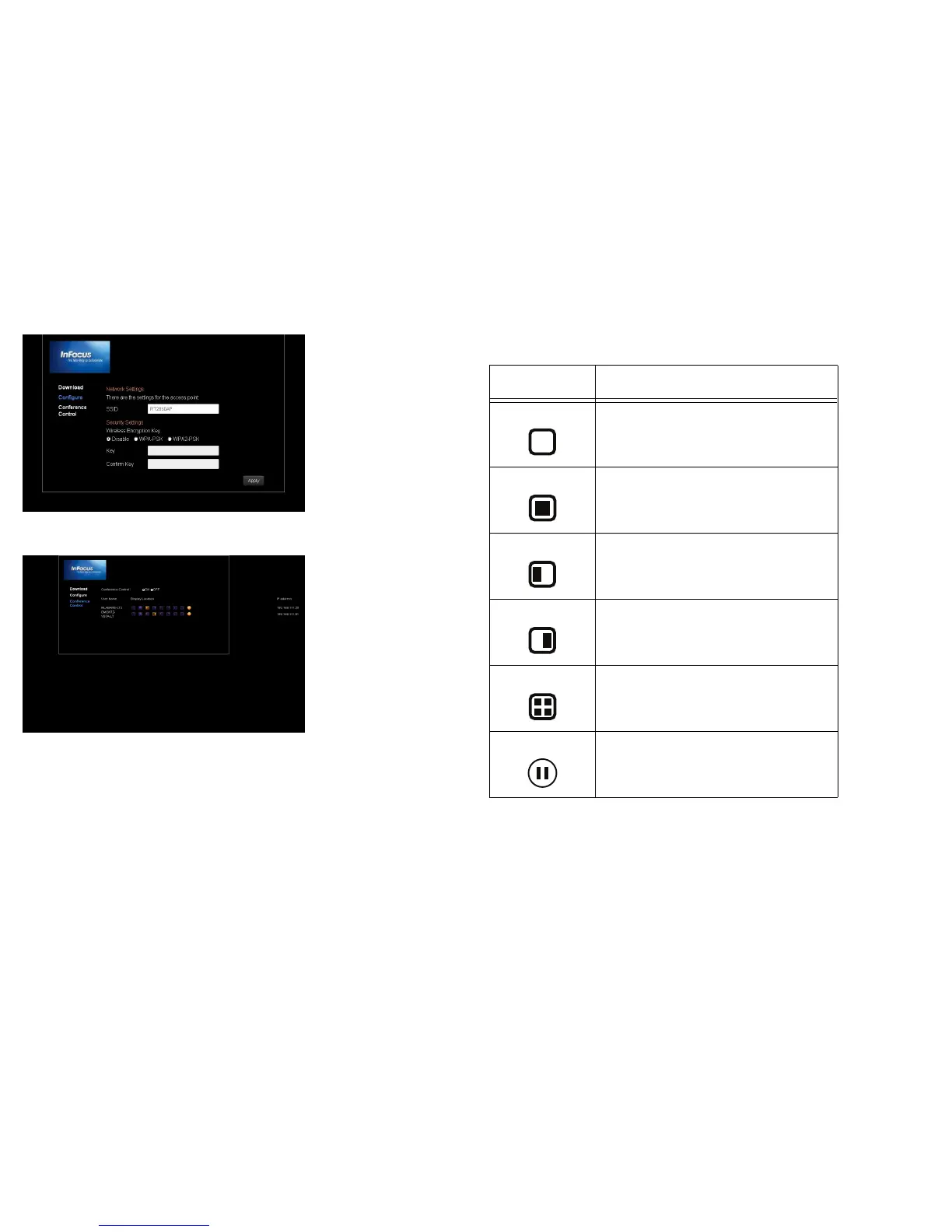
WiFi can be configured with your browser.
Multiple users connected via the EZ WiFi/LAN application can be controlled with
your browser.
Table 17: EZ WiFi/LAN Icons
Icons Description
Remove the user
Display the user full screen
Display the user on the left side
Display the user on the right side
Display 4 users in different quadrants
Pause user display


 To Next Page