IN3138HD User’s Manual
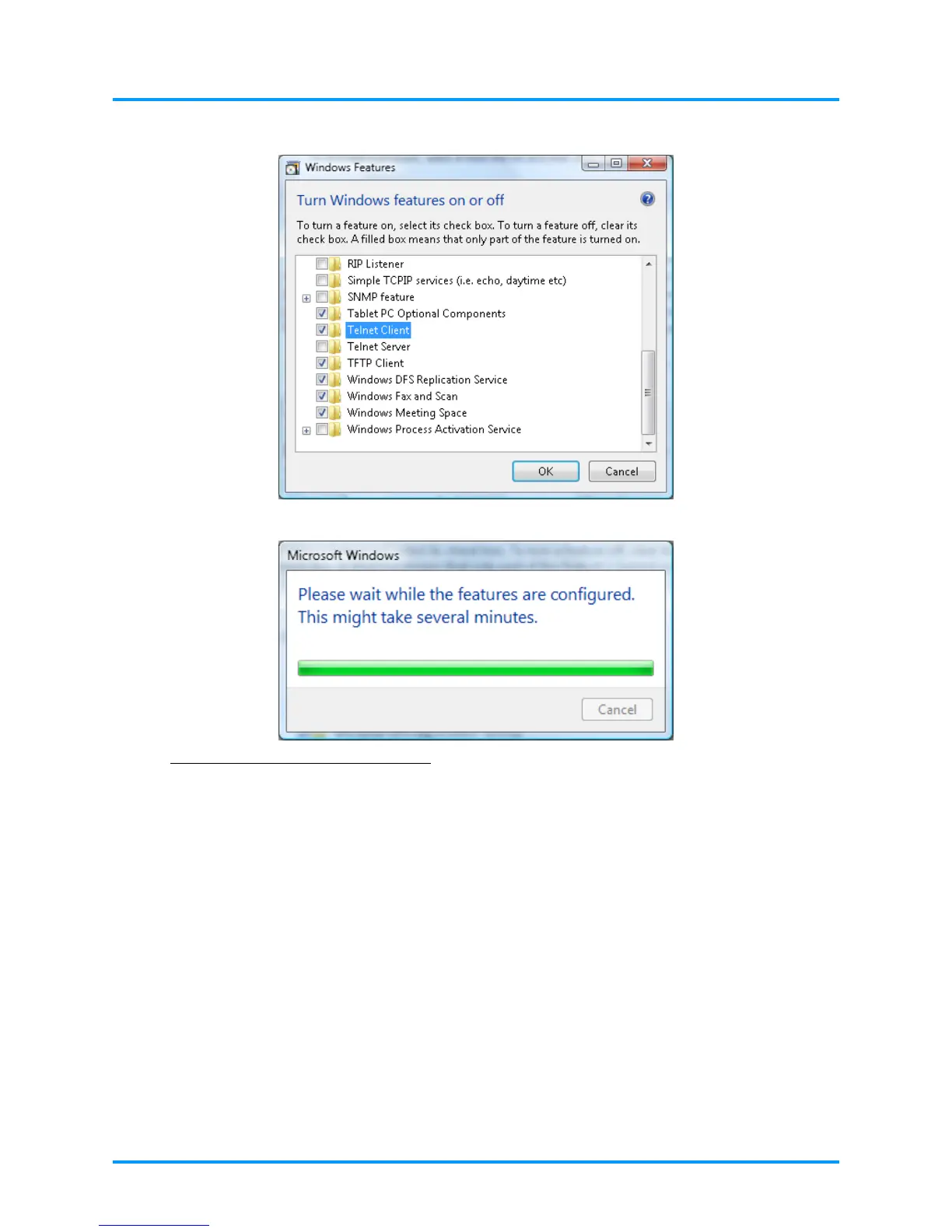
Select “Turn Windows features on or off” to open
Have “Telnet Client” option checked, then press “OK” button.
Specsheet for “RS232 by TELNET” :
1. Telnet: TCP
2. Telnet port: 23
(for more detail, kindly please get contact with the service agent or team)
3. Telnet utility: Windows “TELNET.exe” (console mode)
4. Disconnection for RS232-by-Telnet control normally: Close Windows Telnet utility directly
after TELNET connection ready
5. Limitation 1 for Telnet-Control: there is less than 50 bytes for successive network payload for
Telnet-Control application.
Limitation 2 for Telnet-Control: there is less than 26 bytes for one complete RS232 command
for Telnet-Control.
Limitation 3 for Telnet-Control: Minimum delay for next RS232 command must be more than
200 (ms).
(*, In Windows XP built-in “TELNET.exe” utility, “Enter” key pressed will have “Carriage-
Return” and “New-Line” code.)
–38 –



 To Next Page