2. Network Presentation
2.2 Starting the Network Presentation
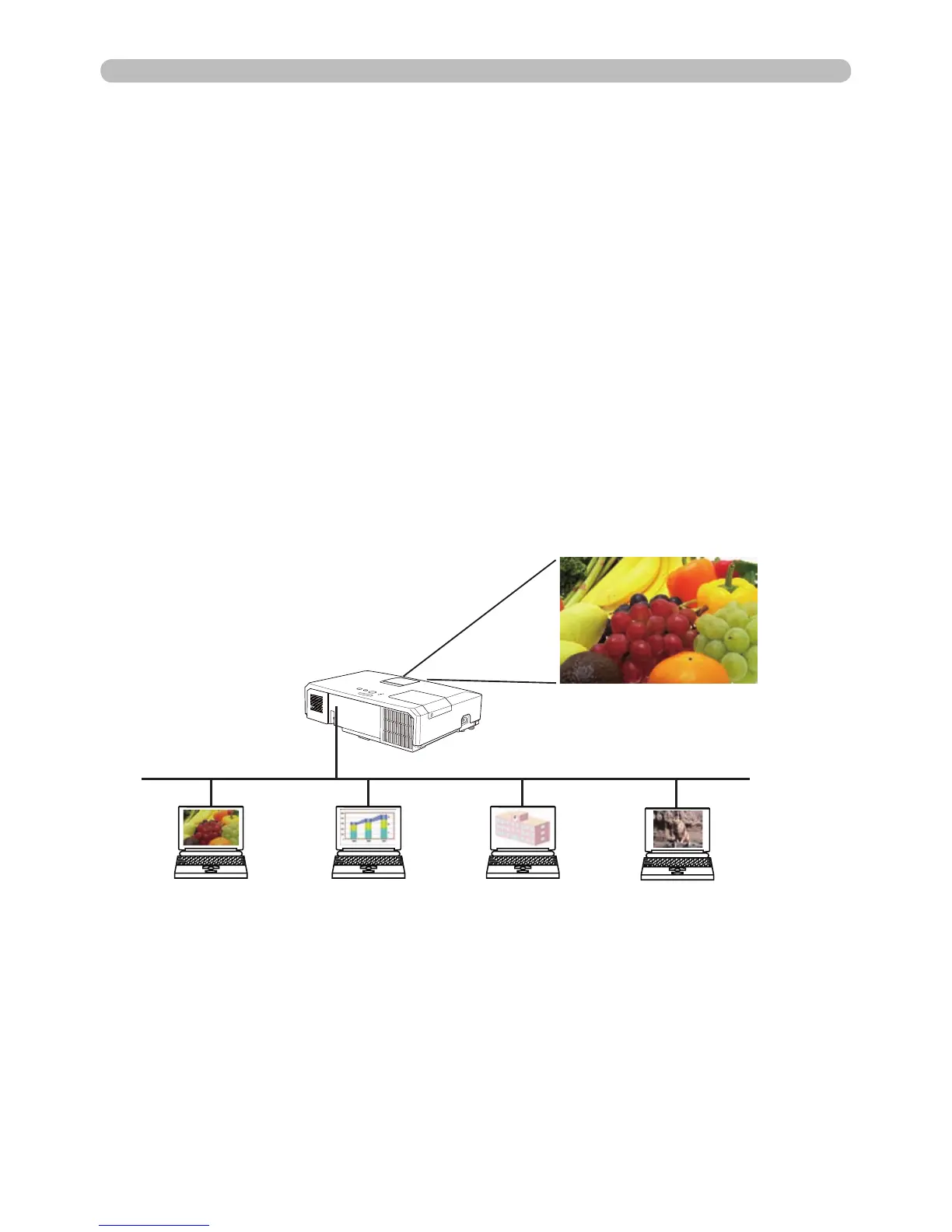
This chapter explains how you can project computer images transmitted through a
network using the Network Presentation feature.
“LiveViewer” allows you to project images from one or more computers by
connecting the projector to an existing network rather than using computer cables.
This Network Presentation feature helps make your presentations and
conferences go smoothly.
To start Network Presentation, select the LAN port as the input source on the
projector and click the Starting Capture button on “LiveViewer”.
2.2.1 Display mode
Two display modes, Single PC mode and Multi PC mode, are available for the
Network Presentation.
1) Single PC mode
The projector displays images from a single computer.



 To Next Page