7.4 Command Control via the Network
You can congure and control the projector via the network using RS-232C
commands.
Communication Port
The following two ports are assigned for command control.
Command Control Settings (
&50)
4) Click [Apply] to save the settings.
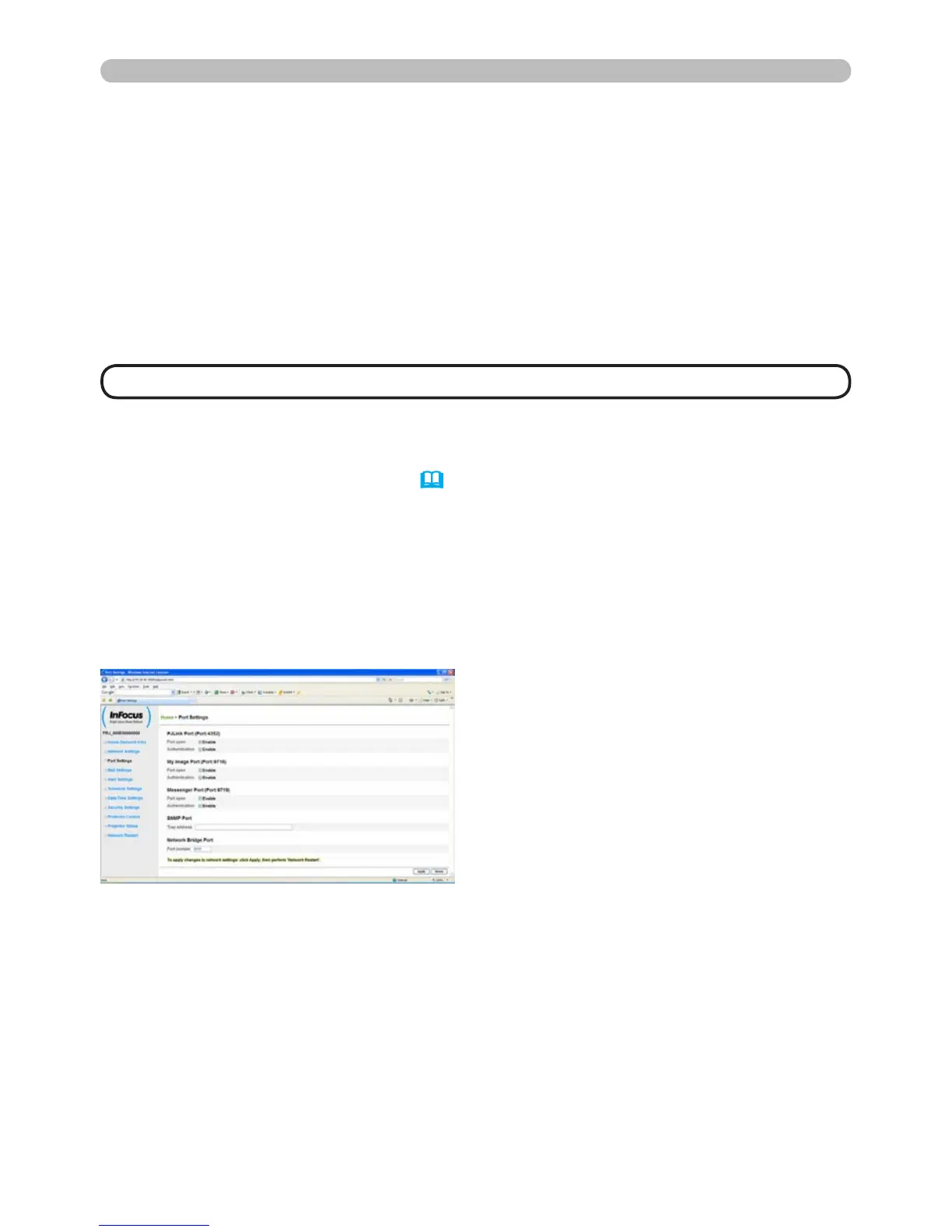
Congure the following items from a web browser when command control is used.
Example: If the IP address of the projector is set to 192.168.1.10:
1) Enter “http://192.168.1.10/” into the address bar of the web browser.
2) Enter your user name and password, and then click [OK].
3) Click [Port Settings] on the main menu.
7. Other Features
TCP #23 (Network Control Port1 (Port: 23))
TCP #9715 (Network Control Port2 (Port: 9715))
• Command control is available only via the specied port above.
NOTE




 To Next Page