18
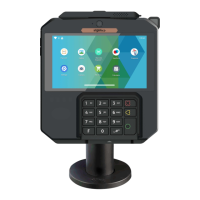
AXIUM DX4000 Portable
10/24
Copyright© 2022 Ingenico –
Banks and Acquirers International Holding SAS
All rights reserved
Place the battery pack in its compartment.
Close the battery door.
Disengage the battery door.
Remove the battery pack from the battery compartment.
Unplug the battery pack connector.
Close the battery door.
4.4.3 Remove the battery



 To Next Page
 Loading...