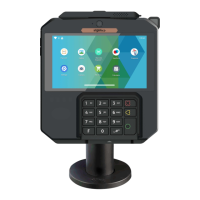
4.4 Battery
4.4.1 Charging the battery
4.4.2 Installing the battery
WARNING
Check that the terminal is not connected to the main electric
network.
When does the battery need to be charged?
When used daily, the terminal charges its battery each time the
power adapter is connected. Charging starts automatically.
How can the battery be charged?
Using the power adapter
Connect the power adapter to the terminal USB type-C
connector located on the left side of the terminal.
Connect the power adapter to the power supply mains network.
Check the charing status on the top of the screen(it means
battery charging).
17
AXIUM DX4000 Portable
10/24
Copyright© 2022 Ingenico –
Banks and Acquirers International Holding SAS
All rights reserved
Turn your terminal and unclip the battery door by pushing the clips as
shown with the arrow on the picture.
Disengage the battery door.
Take the battery pack included in the box.
Locate the battery pack connector beside the battery compartment.
Plug the battery pack connector according to the connector locating
system.



 To Next Page
 Loading...