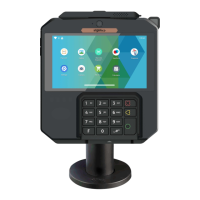
3. Use of the terminal
3.1 Power on/Power off the terminal
Make sure the terminal battery is correctly installed.
Press <Power> button for about 1s until the display is turned on.
Press and hold <Power> button for more than 2s until the display shows
the following menu.
Press <Power off>.
If the battery is empty, the terminal will automatically shut off.
In the event of abnormal behavior of the terminal, press and hold the
power button for 8 seconds to force the terminal to power off.
Terminal restart:
Power On Terminal:
Power Off Terminal:
Battery Low:
ADVICE
Before using the terminal, always check if the roll of
paper is present.
8
AXIUM DX4000 Portable
10/24
Copyright© 2022 Ingenico –
Banks and Acquirers International Holding SAS
All rights reserved



 To Next Page
 Loading...