Quick Reference Guide
May 2012
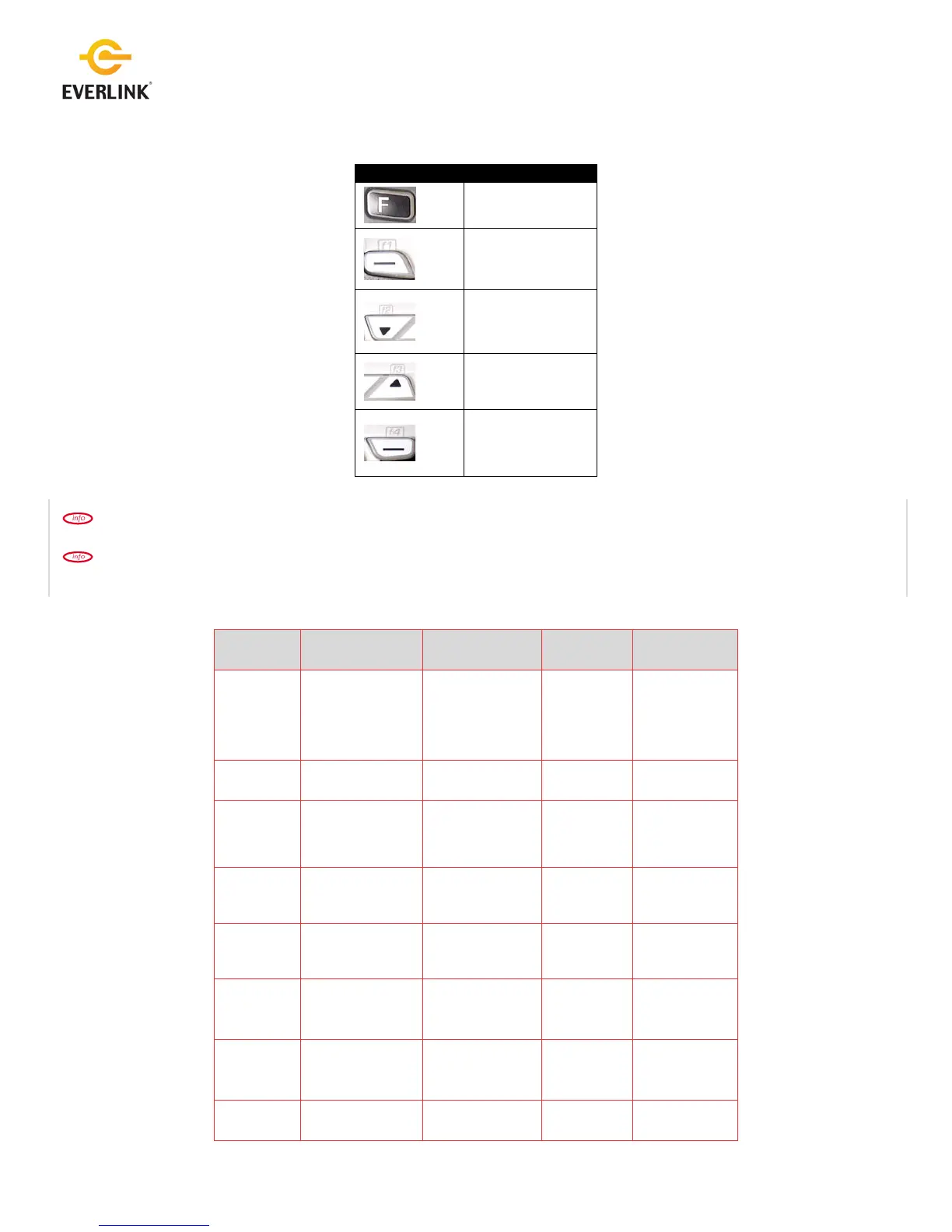
The following special function keys are present on all terminal models: [F], [F1], [F2], [F3], [F4]:
Key functions may change when the terminal mode changes.
If the function key accesses a terminal task or option that is password protected, the user will be prompted to enter the
required password when the function key is pressed.
Key
Terminal State =
Idle State
Two Item Selection
Screen
Report or List
Display
Other
[F][#]
Main Menu
(Password protect if
possible; require
Admin/Mgr/Supv
password)
[.,#*] key Admin Menu.
Scroll down
menu listing.
[F1]
(Top Left
key)
Selects the option
on the bottom left
side of the screen.
[F2]
Scroll Down
Page down to
facilitate
viewing
Scroll down
menu listing.
[F3]
Scroll Up
Page up to
facilitate
viewing
Scroll up menu
listing.
[F4]
(Top Right
key)
Language Toggle
Selects the option
on the bottom right
side of the screen.
Scroll up menu
listing.
[F]
followed by
[F2]
Print Report
or list that is
displaying
[F]
Scroll up menu
listing.
F
F1
F2
F3
F4



 To Next Page
 Loading...










