User’s Manual
INNO Instrument, Inc.
12
PAGE
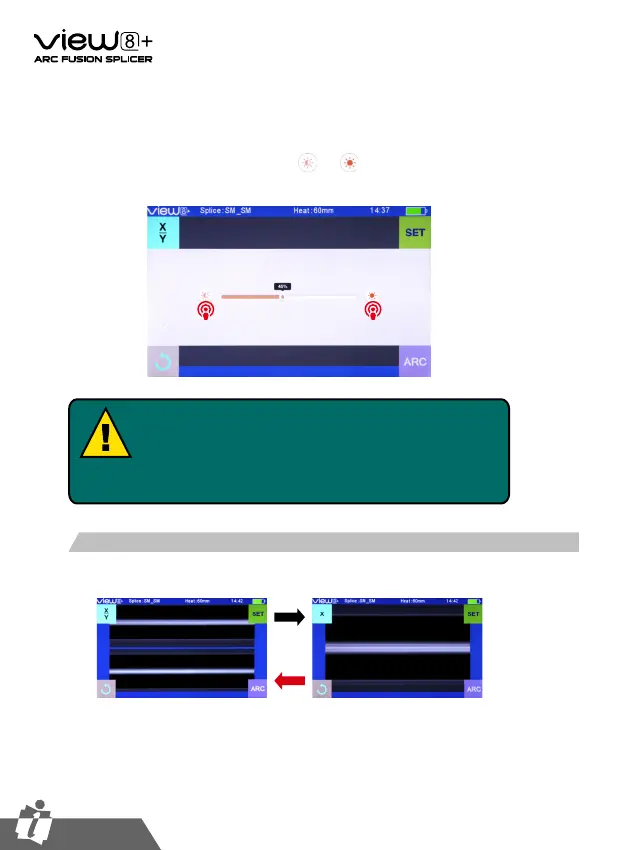
In the initial interface,press 【O】button on the operation panel to enter monitor
brightness adjustment interface, and press and to adjust the brightness until
a clear image can be seen.
Note:
The LCD monitor is a precise component produced by
manufacturing factory under strict quality control. However,
some tiny dots in different colors may still remain on the screen.
Meanwhile, the screen brightness may not appear uniform,
depending on its viewing angles. Note that these symptoms are
not defects, but are natural phenomenon.
Users can zoom in the fiber image by double tapping on the screen so as to
observe the splicing result and check the splicing condition.
Fiber Zoom Function on Screen


 To Next Page