User’s Manual
INNO Instrument, Inc.
34
PAGE
System Setting
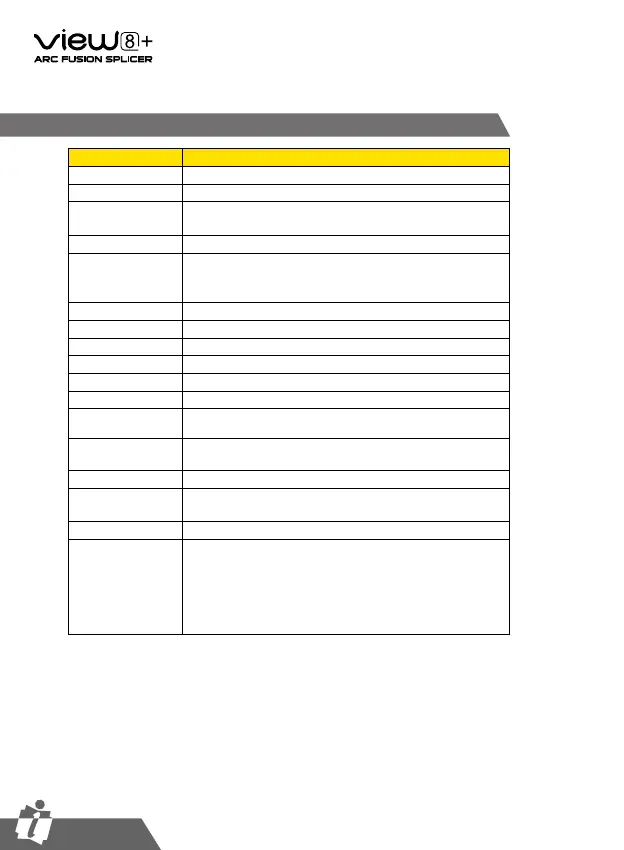
Parameter Description
Buzzer Sets the sound volume of the buzzer.
Temperature Unit Sets the unit of temperature.
Automatic Heating
If select
[
On
]
, when the fiber is placed into heat oven, which
will automatically execute heating.
Auto Save Image Auto save the splice image
Monitor Position
Sets the operational direction of splicer.
[
Front
]
is for front
monitor operation.
[
Rear
]
is for rear monitor operation. Refer
to next page in detail.
Dust Check Check if there is dusk in the imaging area
Password Lock Sets to enter system through password
Zoom Mode Sets the double-click magnification function
WLAN Sets to connect wireless network
Bind Machine Bind the machine with APP
Reset Restore factory setting
Update Software Splicer software update
Calibrate Touch
Screen
To perform firmware upgrade when touch screen exception
Language Sets a language to be displayed on the screen.
Power Save Option
Sets the time of
[
Monitor Shut Down
]
, time of
[
Splicer Shut
Down
]
and LCD brightness.
Set Calendar Sets the system time.
Password
Changes the password to access some menus as
[
Power on
Option
]
and
[
Menu Lock
]
.
At the time of shipment from the factory, the password is set
as
[
0000
]
.
If you have forgotten your password after you changed
another one, contact the sales agency.


 To Next Page