User’s Manual
INNO Instrument, Inc.
32
PAGE
④
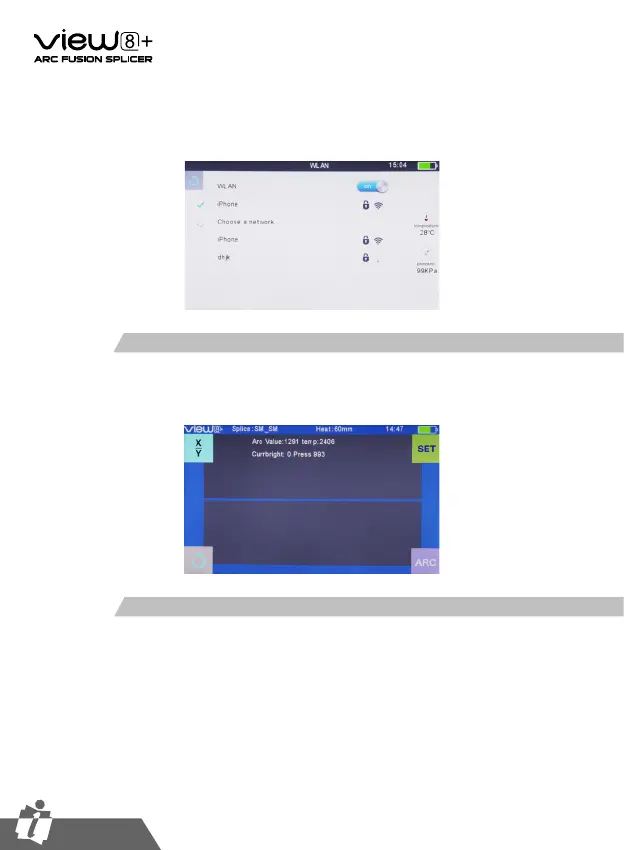
Choose the network need to connect, and enter password. A √ will be shown in
front of the network after connected.
When the WLAN is connected, the WIFI connection identity will appear in the upper-
right corner of the Workbench.
2. How to check the status of WIFI Connection
①
Conrm that the device is connected to the network.
②
From the Devices interface, Enter into the Add device interface by pressing the [Add
device] button.
③
Enter the device number and press the [Send Binding Request] button.
④
Complete the binding device by pressing the [Accept] on the device.
3. How to binding the splicer with the APP


 To Next Page