General On Switch
To manage the fan coil via the selector, it must be
connected to the mains and to a room thermostat with a
single 230V AC contact.
If a general switch is installed on the power line, this must
also be switched on.
- Turn the device on by activating the general switch
Activation
Stand By
To activate the device
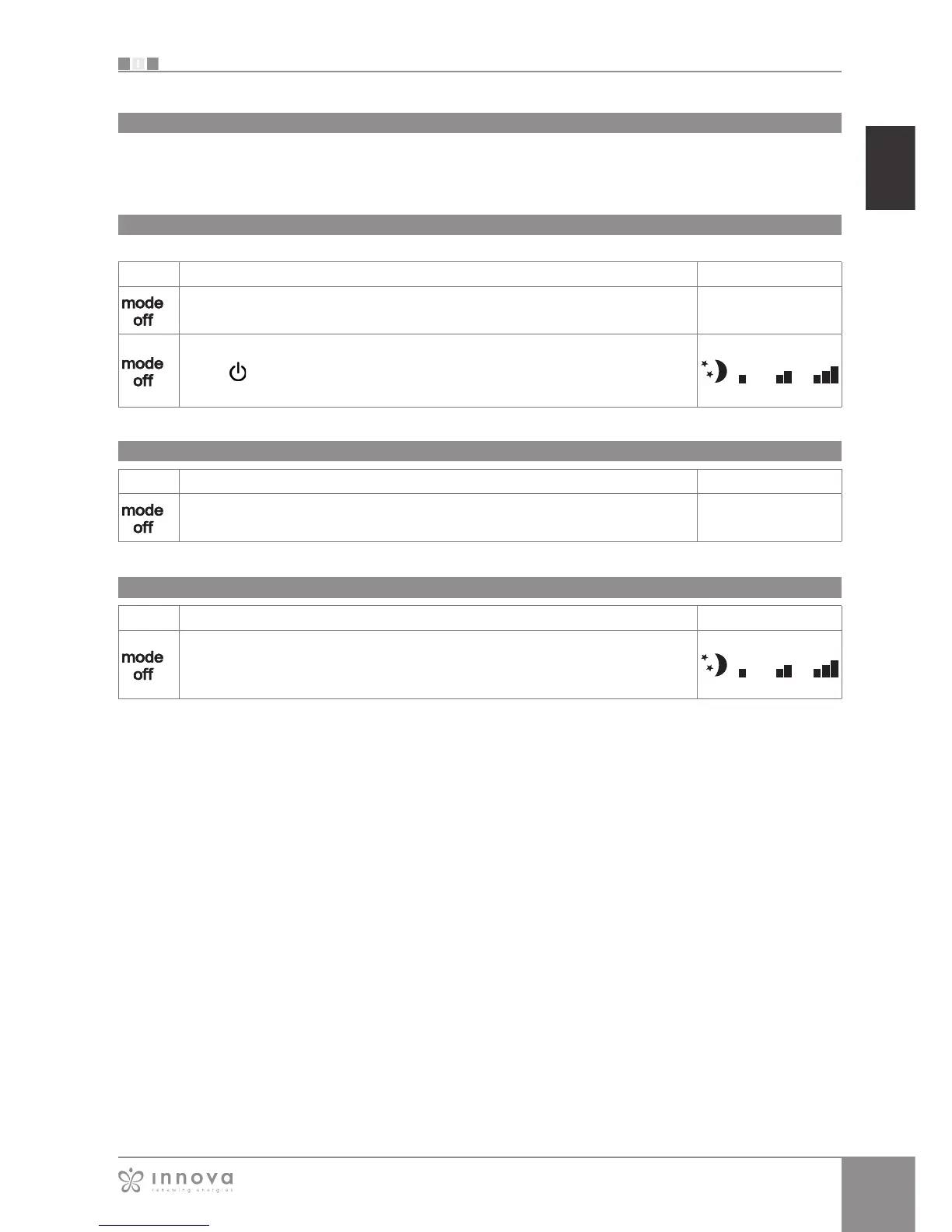
Key Operation Display
Press the mode/off key Off → On
Select one of the 4 operating speeds by pressing the relative mode/off key. If the red
symbol is flashing, it means that the room thermostat is not connected; it therefore
needs to be activated.
Key Operation Display
Press and hold the mode/off key for approx. 2 seconds. No illuminated signals on the
display at all means that the system is in stand-by (no operation).
Off → On
Ventilation speed regulation
By setting the highest speed, the maximum possible
power level is activated immediately whether heating or
cooling.
Once the desired room temperature is reached, we
recommend selecting one of the other 3 operation modes
for increased comfort and sound levels.
Key Operation Display
Each time the mode/off button is pressed the fan speed moves between supersilent,
minimum, medium and maximum.
The function being activated is indicated by the relevant symbol appearing on the
display.








 To Next Page