51
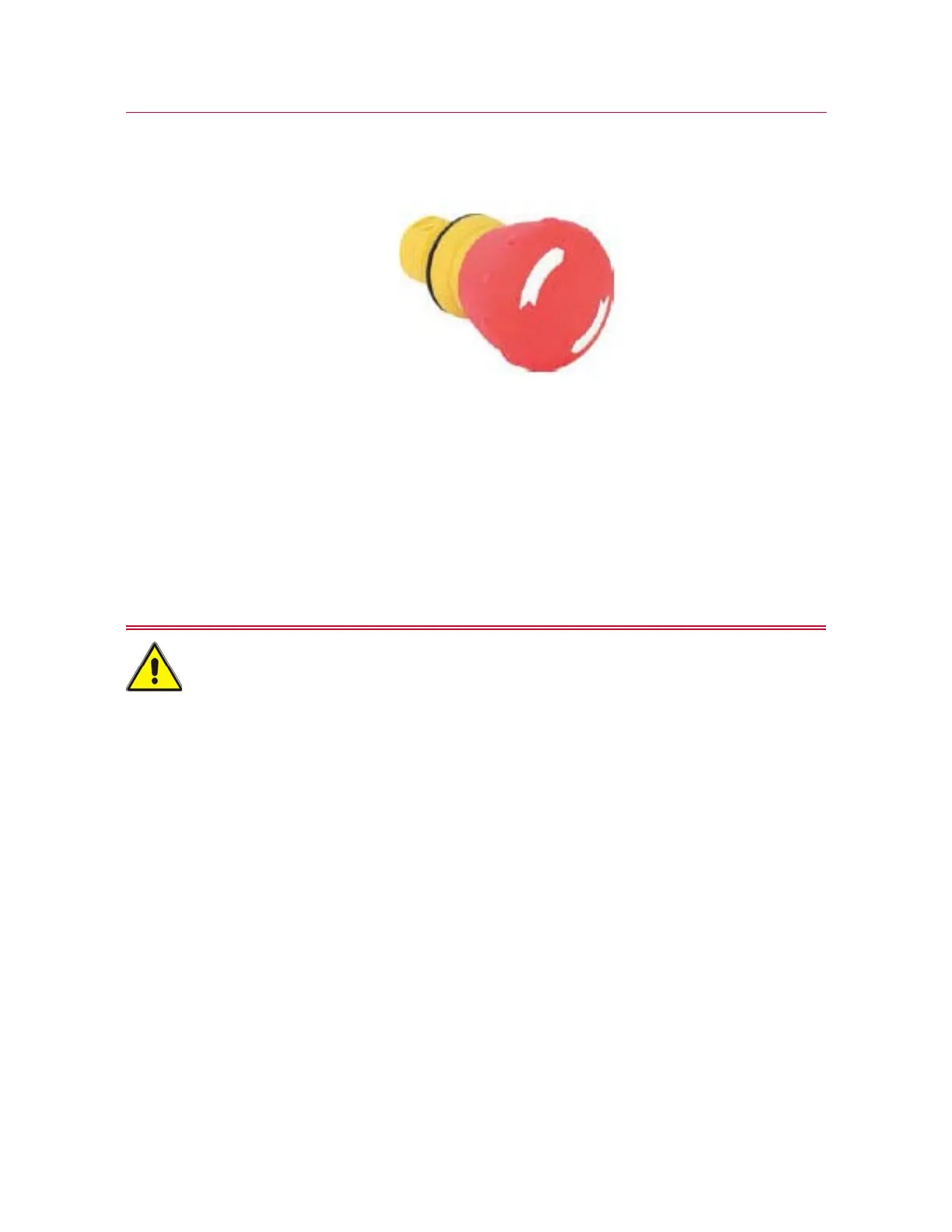
Emergency Stop button
Product Support: www.instron.com
Emergency Stop button
Figure 15. Emergency Stop button
The Emergency Stop button is a large, round, red button on the testing system. Press
this button to stop the test as soon as possible when a condition develops that:
• could affect the safety of anyone operating the system
• could damage the specimen, load frame, or test fixtures
If you are using an integrated air kit with a foot switch to control a set of pneumatic
grips, be aware that pressing the Emergency Stop button to disable the frame will
also deactivate the grips, causing them to open.
With an integrated air kit, any action that disables the frame will also open the grips.
Frame Control Panel
All the controls and indicators for the testing system are on the frame control panel:



 To Next Page