Chapter: Function of controls
56 M10-17318-EN
Operator Protection lets an Administrator configure the testing system to be consistent
with the risk assessment for that system.
Access to the controls for Operator Protection is password protected. If you have
Administrator rights you can modify Operator Protection in the Admin tab in Bluehill
®
.
Operating Modes
Bluehill
®
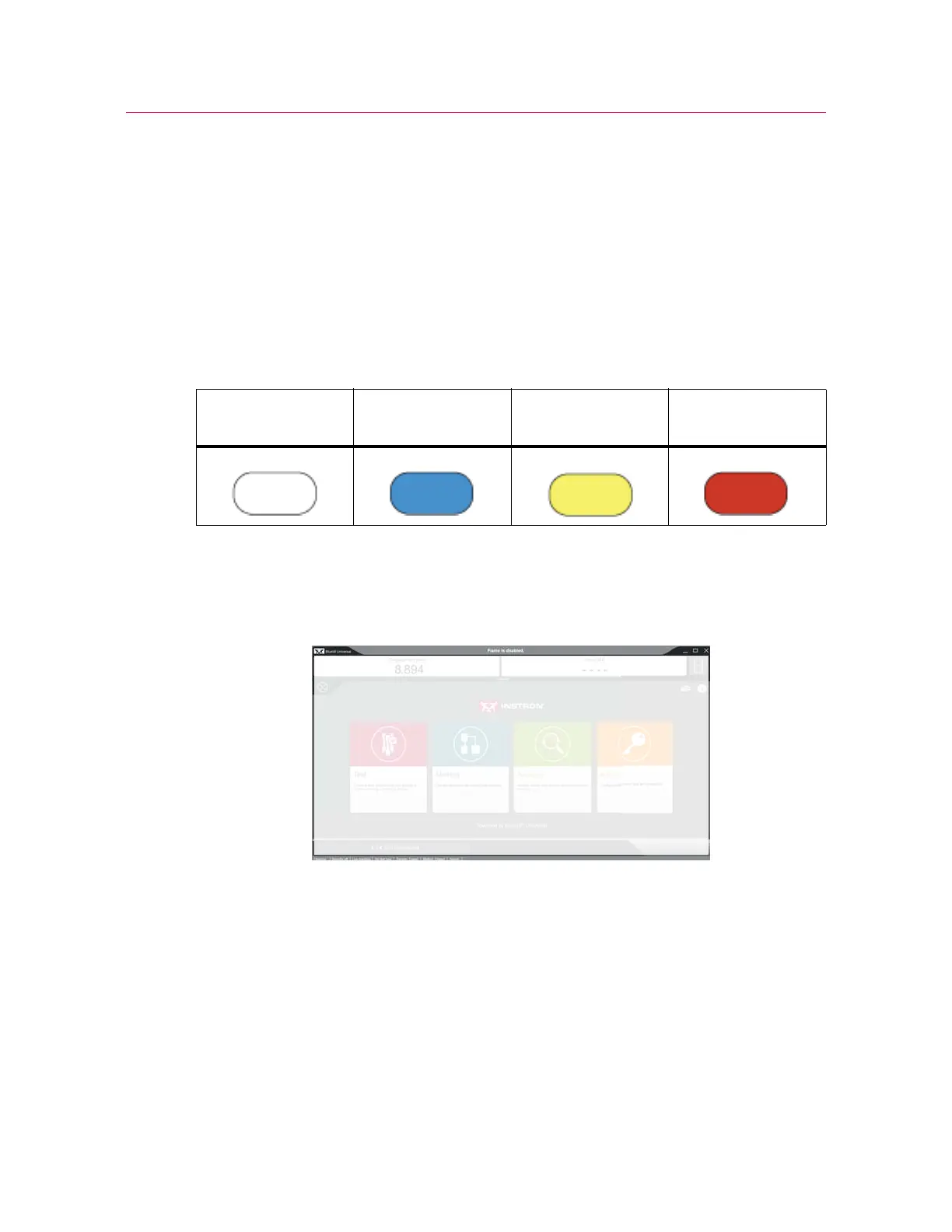
displays the current system mode corresponding to the four LEDs on the
control panel:
Disabled
Bluehill
®
displays gray border with white text, Frame is disabled.
DISABLED (white) LED illuminates on the frame control panel.
This is the default state of the frame upon start up after the software is opened. If the
frame is not connected to the software, the LED flashes.
When the frame is disabled:
• crosshead cannot move
• pneumatic grips cannot operate
DISABLED
(white)
SET UP
(blue)
CAUTION
(yellow)
TESTING
(red)



 To Next Page