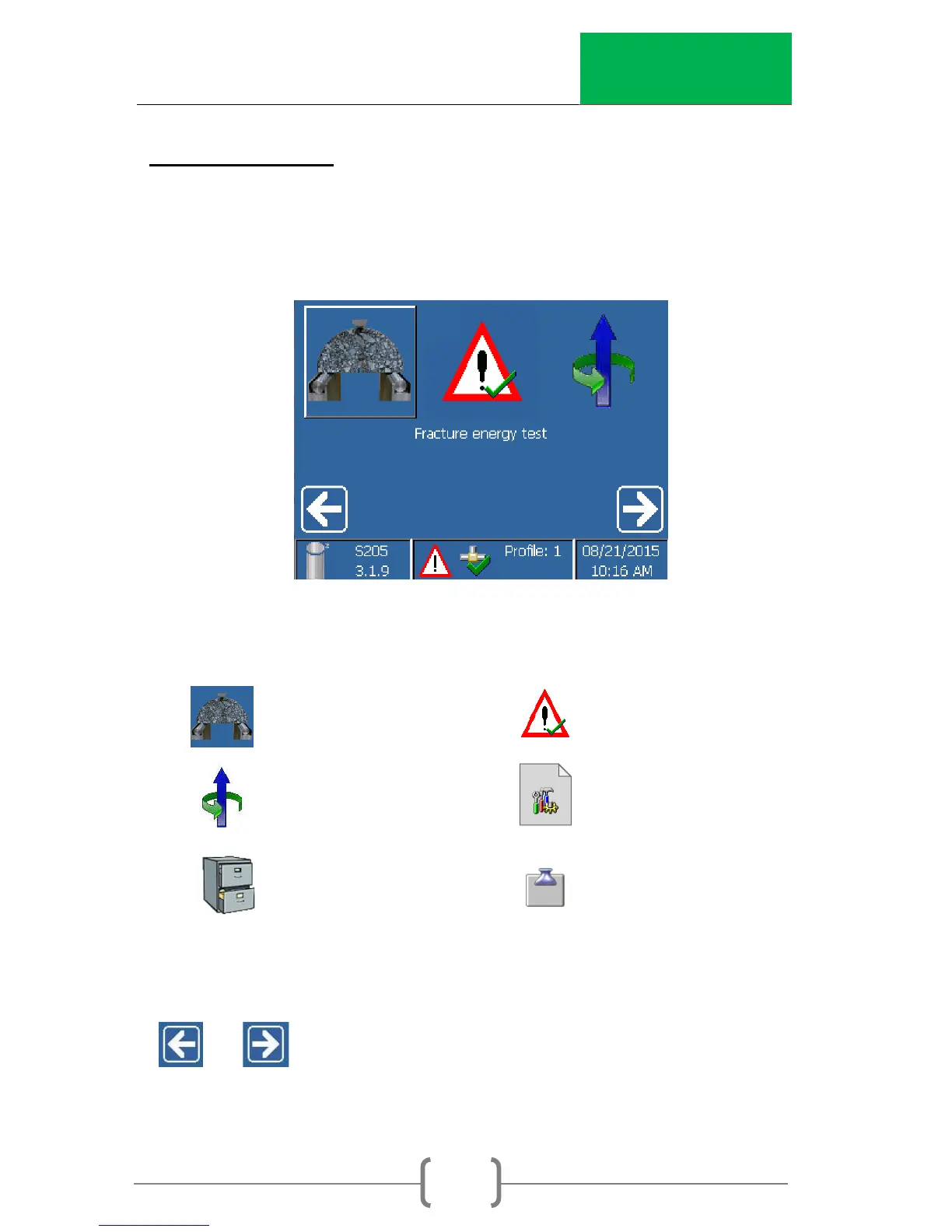
6. Main Menu
The Main Menu allows the user to select the main functions of
the machine.
The main functions are:
Cracking Test Active alarms
Ram Position
Test archive Control panel
Select an item with the touch-screen: Scroll through the menu
or until the desired menu item is highlighted and
select the item by touching the screen.



 To Next Page