15. Manually Position the Ram
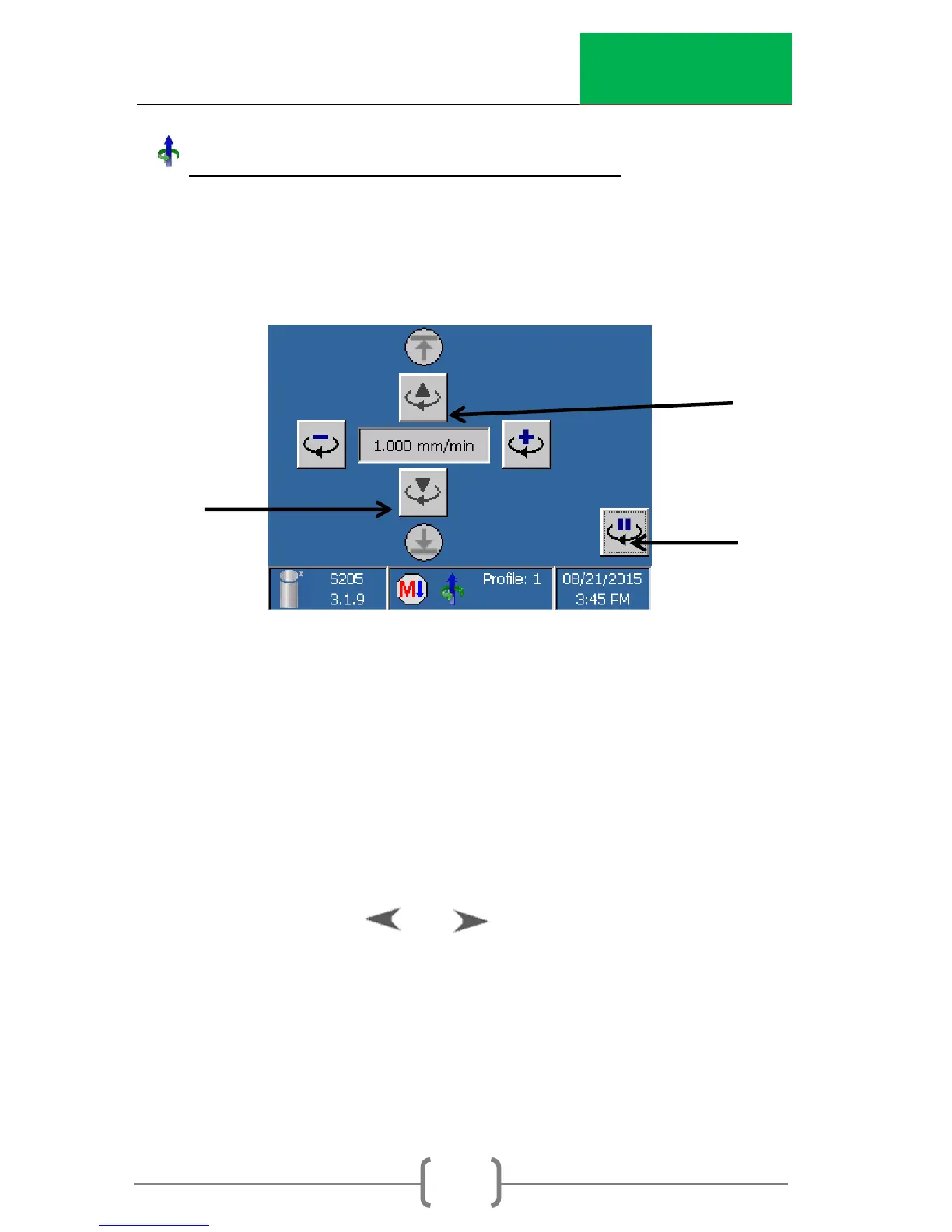
This function allows the user to position ram. This function is
useful for setting up the height of the ram for different testing
jigs and positioning the ram for calibration of the load cell.
If this function is activated, the machine will move the ram up or
down.
WARNING: The machine’s load control is disabled. Proceed with
caution. Check that movement of the ram will not damage
any equipment or specimens.
To increase or decrease the displacement rate, use the arrow
keys on the keypad or until the desired speed is
shown. Pressing and holding the key will change the rate
rapidly.



 To Next Page