7. Status Bar
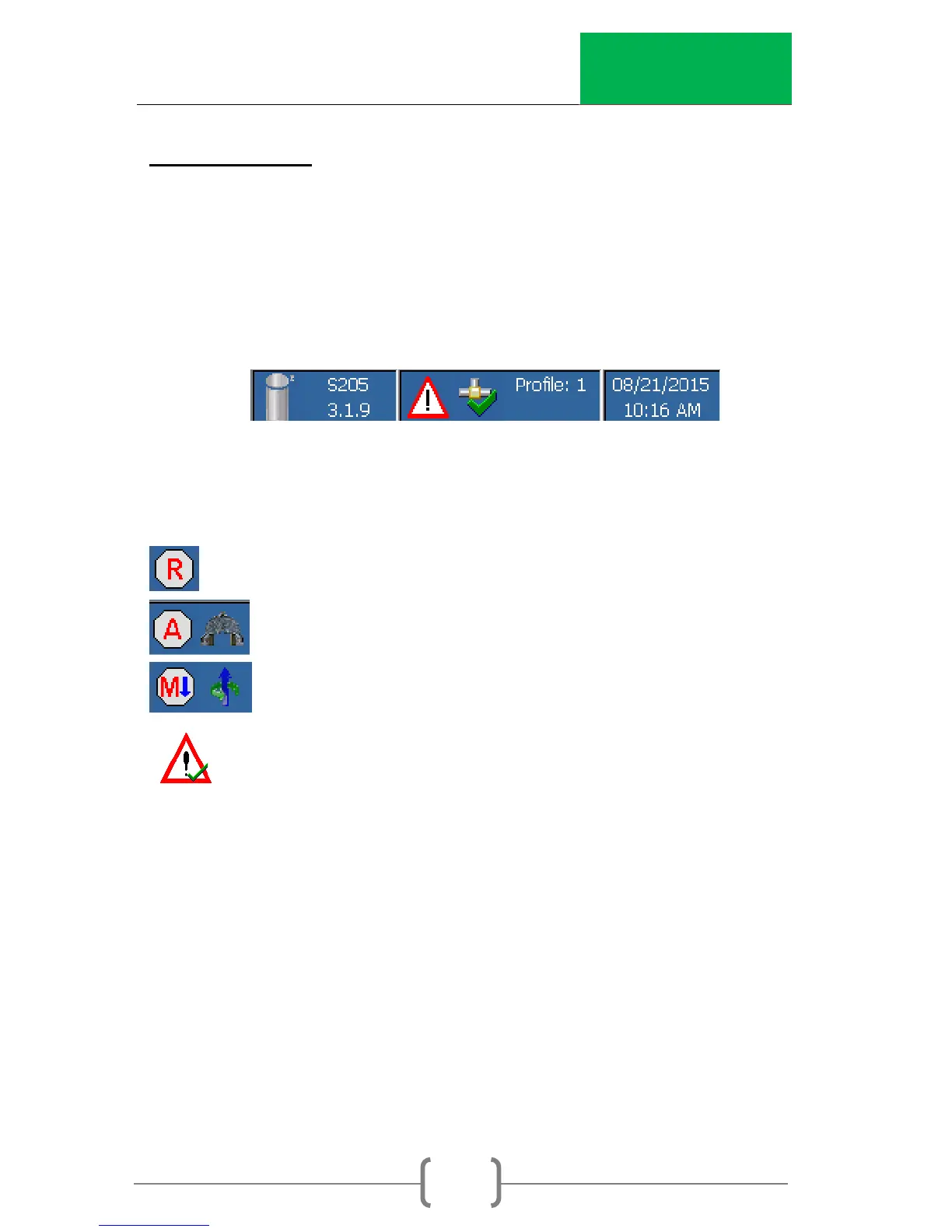
The bottom of the main screen contains the status bar. The left
side of the status bar provides the current software version
installed on the machine. The center of the bar provides the
current status of the machine. The right side provides the
current date and time.
Status Symbols
Machine is ready to test
Running the test (automatic)
Moving the ram (manually)
Warning



 To Next Page