13. Data Storage and Printing
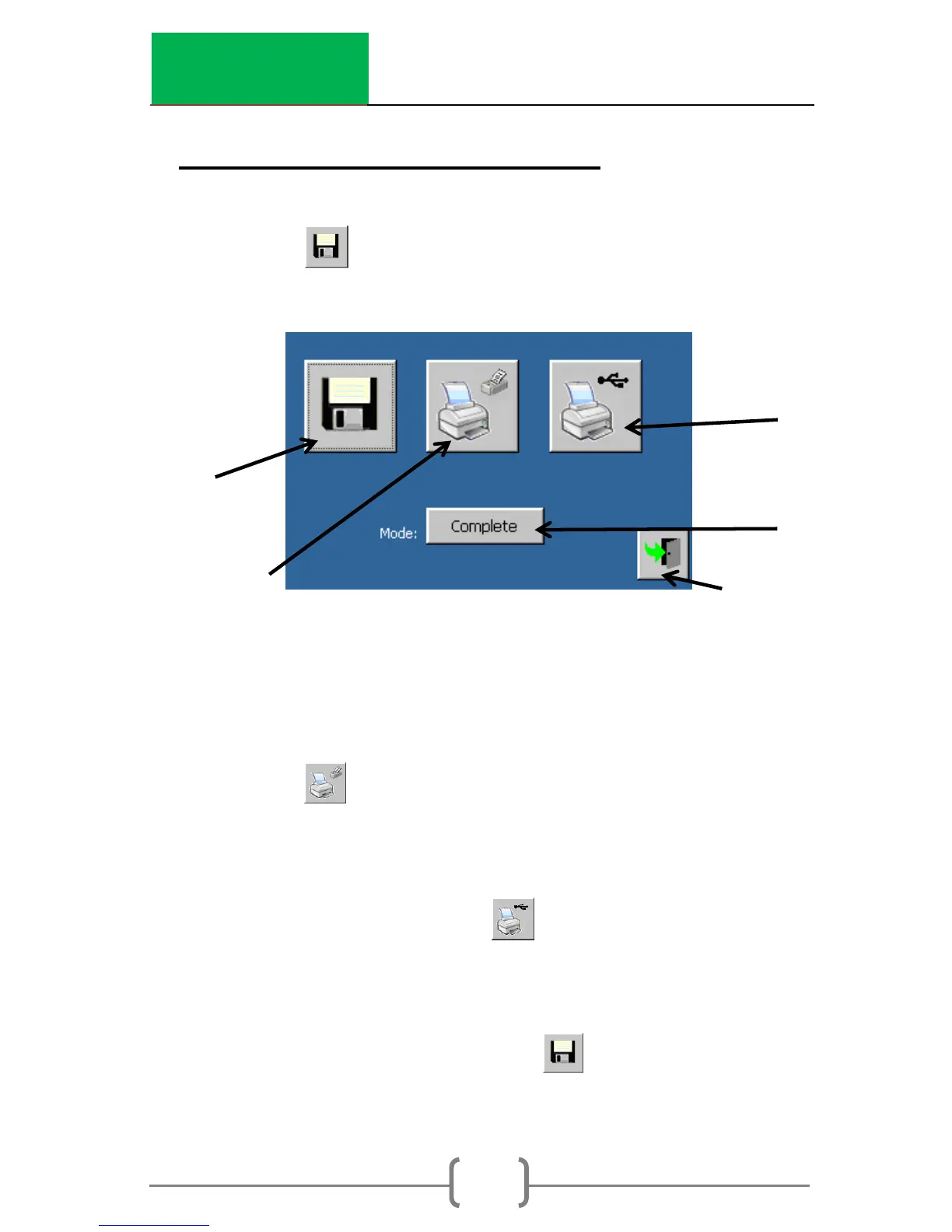
1. Press to enter the screen below to store and print
the rut depth history.
2. Select the Print mode (Partial: numeric values only –
Complete: numeric values and graphs). The print mode
is ignored when the results are printed on a USB printer
(PC compatible).
3. Press to print the test results using a thermal printer
(if assembled on the machine).
4. Check that a printer (PCL compatible) is connected to
the machine and press to print the test results on
the USB printer.
5. Check that a memory device has been inserted into
one of the USB slots and press to save the test data.
Test results will be saved on the memory device. The file



 To Next Page