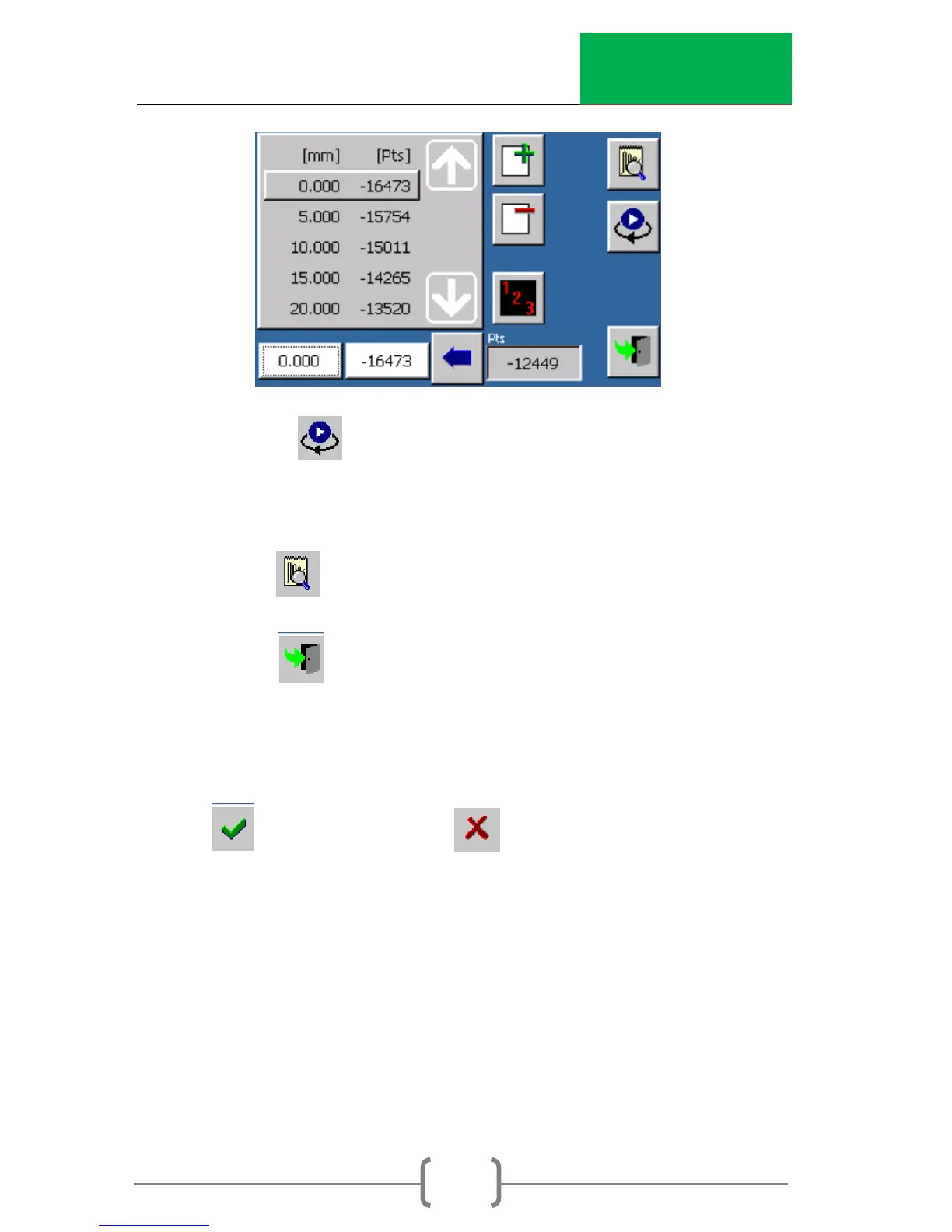
8. Select to move the ram up/down for
loading/unloading a load cell. The reaction bar can be
moved to fit the verification equipment.
9. Select to go to the verification screen below.
10. Select to go back to the calibration screen (step 5).
Press again to return to the channel setup screen (step
4).
11. Once the calibration or verification is complete, select
to save the data. If is pressed, the data will not
be saved.



 To Next Page