113
Front Panel≫ Rear Panel≫ Remote≫
Contents
≫
Connections
≫
Playback
≫
Setup
≫
3. DTS
Change the setting of when DTS signals are input.
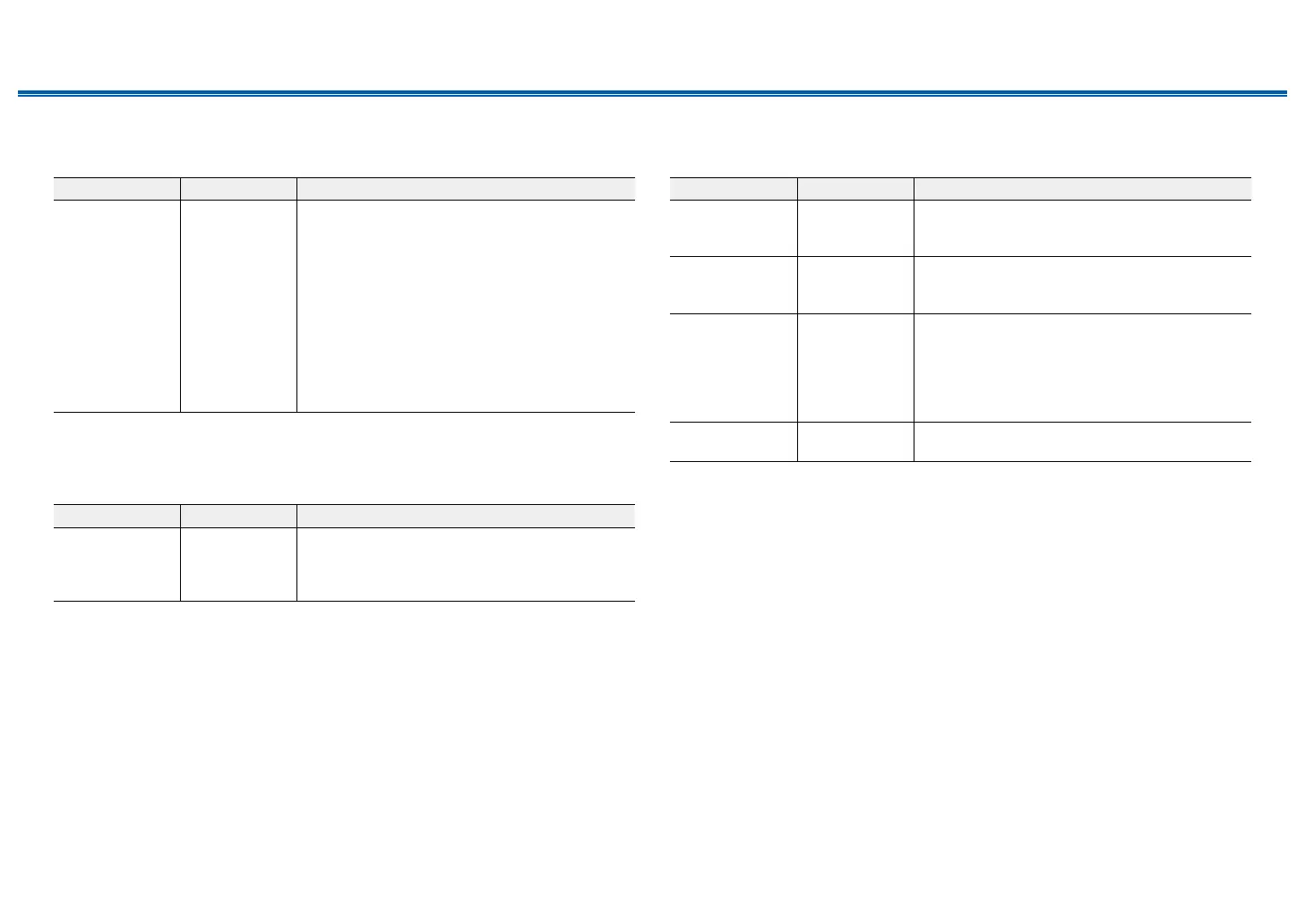
Setting Item Default Value Setting Details
DTS Auto
Surround
On When inputting DTS signals that include extended
channel information, the optimum listening mode is
automatically selected according to the extended
information contained in the input signal and the
speaker conguration of this unit when playing in
the straight decoding listening mode.
"On": When this function is used
"O": Audio is played using the same number
of channels in the input signal according to the
speaker conguration of this unit.
• If this function is set to "O", the ES Matrix and
ES Discrete listening modes cannot be selected.
4. LFE Level
Set the low-frequency eect (LFE) level for Dolby Digital series, DTS series,
Multichannel PCM, and DSD signals.
Setting Item Default Value Setting Details
LFE Level 0 dB Select the low-frequency eect (LFE) level of each
signal from "0 dB" to "-∞ dB". If the low-frequency
eect sound is too strong, select "-20 dB" or
"-∞ dB".
5. Volume
Change the Volume settings.
Setting Item Default Value Setting Details
Mute Level -∞ dB Set the volume lowered from the listening volume
when muting is on. Select a value from "-∞ dB",
"-40 dB" and "-20 dB".
Maximum Volume O Set the maximum value to prevent the volume from
becoming too loud. Select a value from "O", and
"50" to "99".
Power On Volume Last Set the volume level of when the power is turned
on. Select a value from "Last" (Volume level before
entering standby mode), "Min", "1" to "99" and
"Max".
• You cannot set a higher value than that of
"Maximum Volume".
Headphone Level 0 dB Adjust the output level of headphones. Select a
value between "-12 dB" and "+12 dB".



 To Next Page