146
Multi Zone—Continued
5
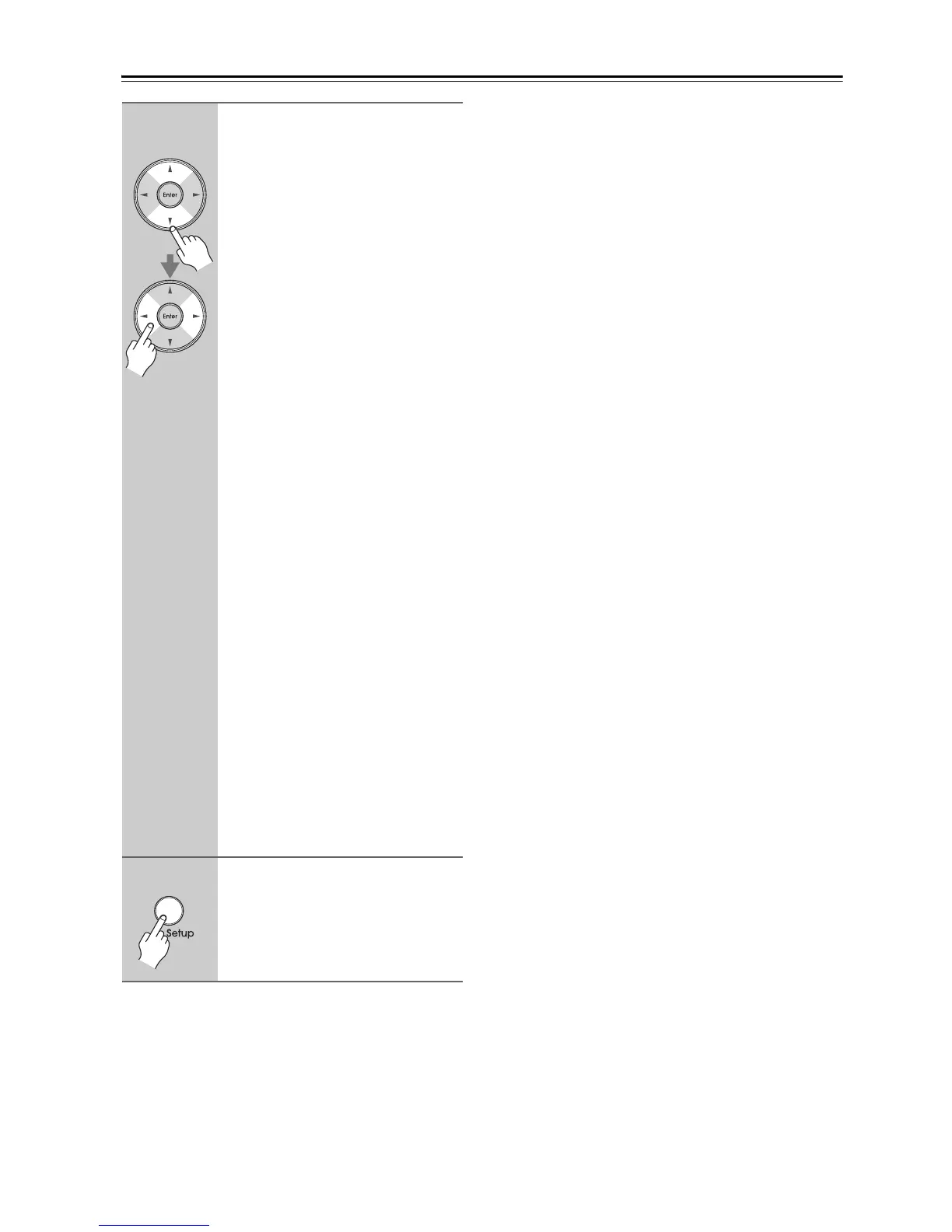
Use the Up and Down [q]/[w]
buttons to select an input source,
and use the Left and Right [e]/
[r] buttons to select an option.
Off:
No trigger signal is output.
A 12-volt trigger signal is output when
the connected component is selected as
the source for:
Main (Trigger A: default):
Main room.
Zone2 (Trigger C: default):
Zone 2.
Main/Z2:
Main room or Zone 2.
Zone3:
Zone 3.
Main/Z3:
Main room or Zone 3.
Z2/Z3:
Zone 2 or Zone 3.
Main/Z2/Z3:
Main room, Zone 2, or Zone 3.
Zone4:
Zone 4.
Main/Z4:
Main room or Zone 4.
Z2/Z4:
Zone 2 or Zone 4.
Main/Z2/Z4:
Main room, Zone 2, or Zone 4.
Z3/Z4:
Zone 3 or Zone 4.
Main/Z3/Z4:
Main room, Zone 3, or Zone 4.
Z2/Z3/Z4:
Zone 2, Zone 3 or Zone 4.
Main/Z2/Z3/Z4 (Trigger B: default):
Main room, Zone 2, Zone 3, or
Zone 4.
6
When you’ve finished, press the
[Setup] button.
The setup menu closes.



 To Next Page