68
Basic Operations—Continued
Changing Source Component
When you want to operate the component that is not
assigned as the source component, you can assign it as
the source component. For the default assignment, see
page 160.
Restoring Default
(3 seconds)
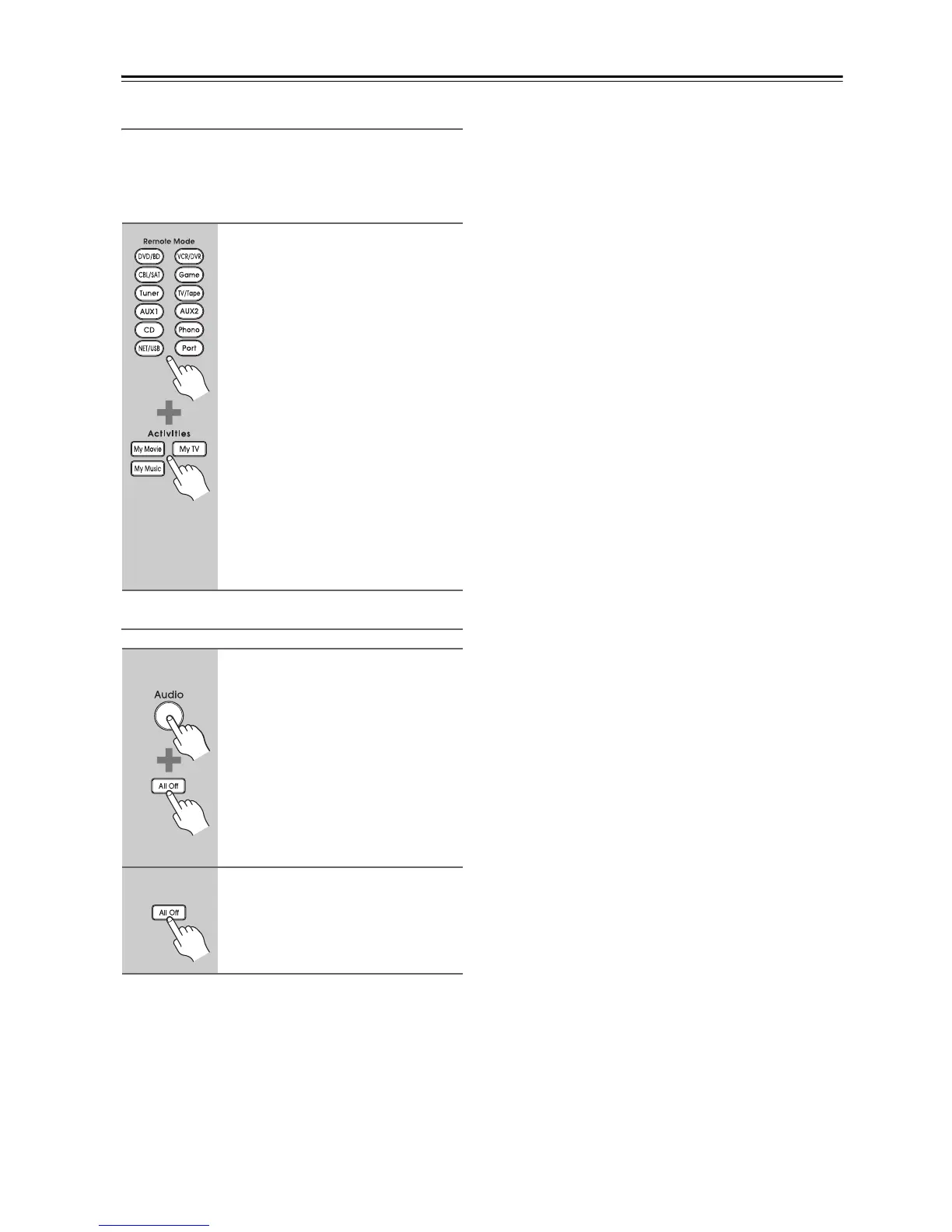
While holding down the Remote
Mode button, press and hold
down the [My Movie], [My TV], or
[My Music] button (about 3 sec-
onds).
The Activities buttons that you pressed
flashes twice, indicating that the setting
has been established.
Examples:
When you press the [My Music] button
and want to start the Onkyo Cassette
recorder, while holding down [TV/
Tape] button, press and hold down the
[My Music] button (about 3 seconds)
flashes twice.
Tip:
This procedure can also be performed
via onscreen menu (see page 159).
1
(3 seconds)
While holding down the [Audio]
button, press and hold down the
[All Off] button until the [All Off]
button lights up (about 3 sec-
onds).
2
Release the [Audio] and [All Off]
buttons and press the [All Off]
button again.
The [All Off] button flashes twice.



 To Next Page