
 To Next Page


B
Beth Garcia DDSOct 25, 2025
What to do if I have problems with COM ports on my Intel Motherboard?
- KKelly BrooksOct 25, 2025
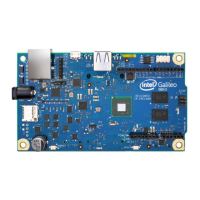
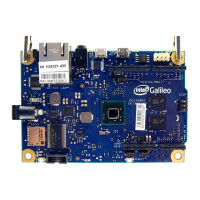
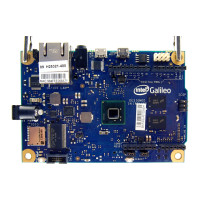
If you are experiencing issues with COM ports, here are some steps you can take: 1. Delete all unused and hidden COM ports, including their drivers. 2. Disconnect the USB cable from the Galileo board. 3. Open a command prompt window as administrator: Click the Start Menu, type Command, right-click the command prompt icon, and select Run as administrator. 4. In the command prompt window, type the following commands: * `set devmgr_show_nonpresent_devices=1` to display hidden devices * `start devmgmt.msc` to start the device manager 5. In the Device Manager window, select View > Show Hidden Devices. 6. Select a COM port to delete by right-clicking it and selecting Uninstall. In the dialog, check the box “Delete the driver software for this device” and click OK. 7. Repeat t...
 General
 Weight and Dimensions