7
4. Conguration
On your computer, open your web browser (we recommend using the most current versions of Google Chrome
®
, Mozil-
la Firefox
®
or Microsoft Edge
®
) and go to
http://10.0.0.1
or
http://meuintelbras.local/
as shown in the following image.
This procedure should be performed whenever you need to change any conguration of your router.
Accessing the router conguration page
4.1. Conguration via installation wizard
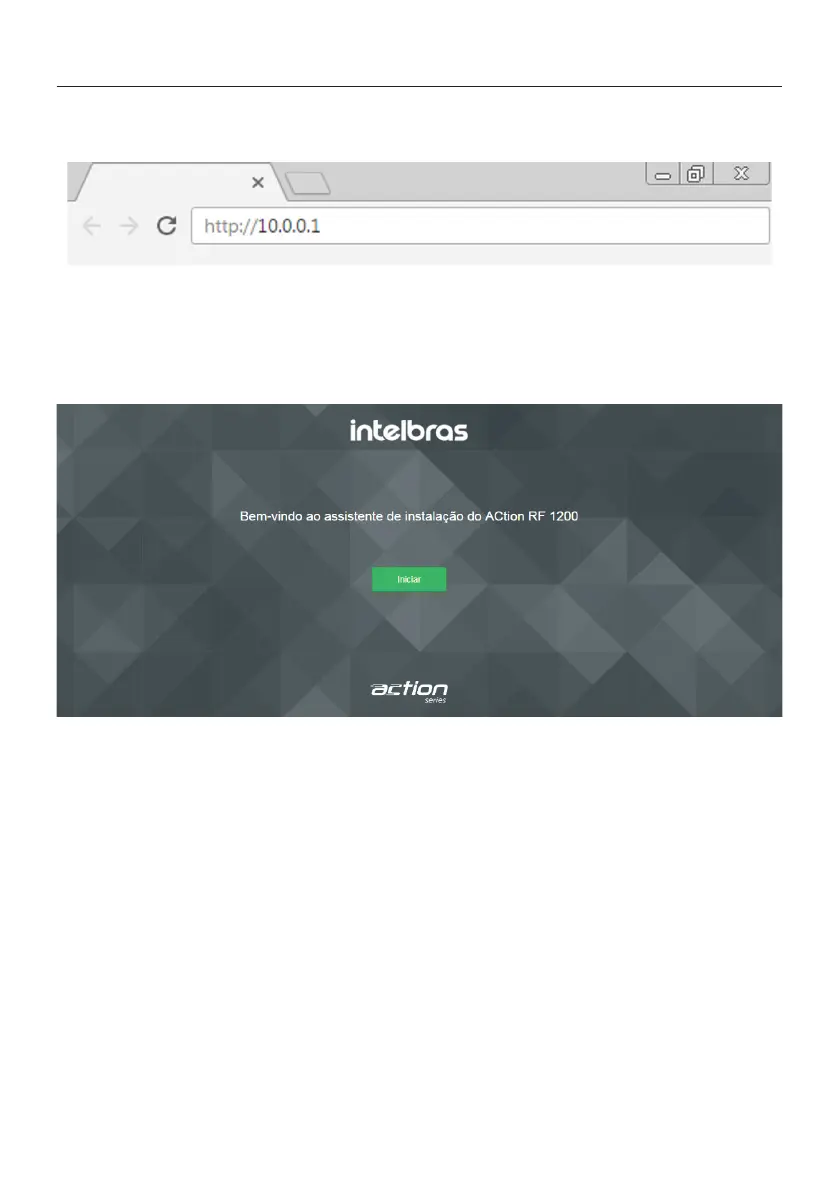
When accessing the router’s web page address, you will be directed to the installation wizard, as the following image.
It will help you congure Internet access, and quickly and easily create your own Wi-Fi network.
To congure your router, click
Start
and follow the instructions in the installation wizard.
Installation wizard home screen
Note:
in case your connection requires user and password
, the router will request this information after clicking on
Start
. If you do not have this information, please contact your operator or internet provider.



 To Next Page