29
Monitoring the Current Status of the Antenna
When the ACU power is on, it displays the status of the antenna.
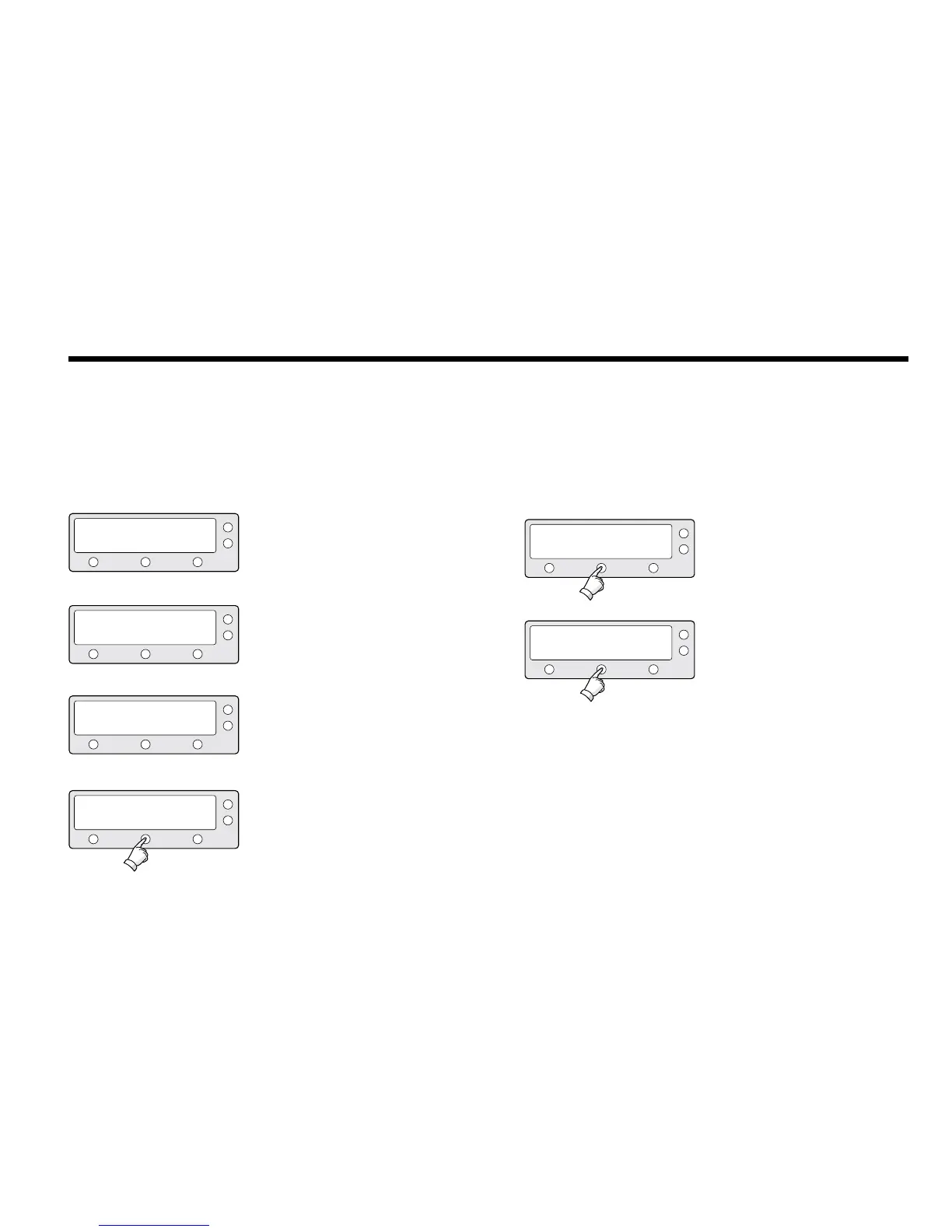
The current status of the antenna is displayed as shown below.
1. The antenna is searching Satellite A.
2. The antenna is tracking Satellite A.
3. The antenna is winding/unwinding the cables in
the antenna.
4. The antenna is again tracking Satellite
A. Press center soft key to display
position detail.
SEARCH A: DTV101
TRACKING A: DTV101
ANTENNA IS UNWRAPING
TRACKING A: DTV101
B:DTV119 SETUP
B:DTV119 SETUP
B:DTV119 SETUP
B:DTV119 SETUP
5. Antenna position detail and signal strength are
displayed.
6. Press center soft key to display current GPS
information. Press center soft key to return to
main tracking mode.
AZ : ###.# EL : ##.#
###.##E ##.##N
SIGNAL : ### ● [VL]


 To Next Page
 Loading...













