53
Set Region
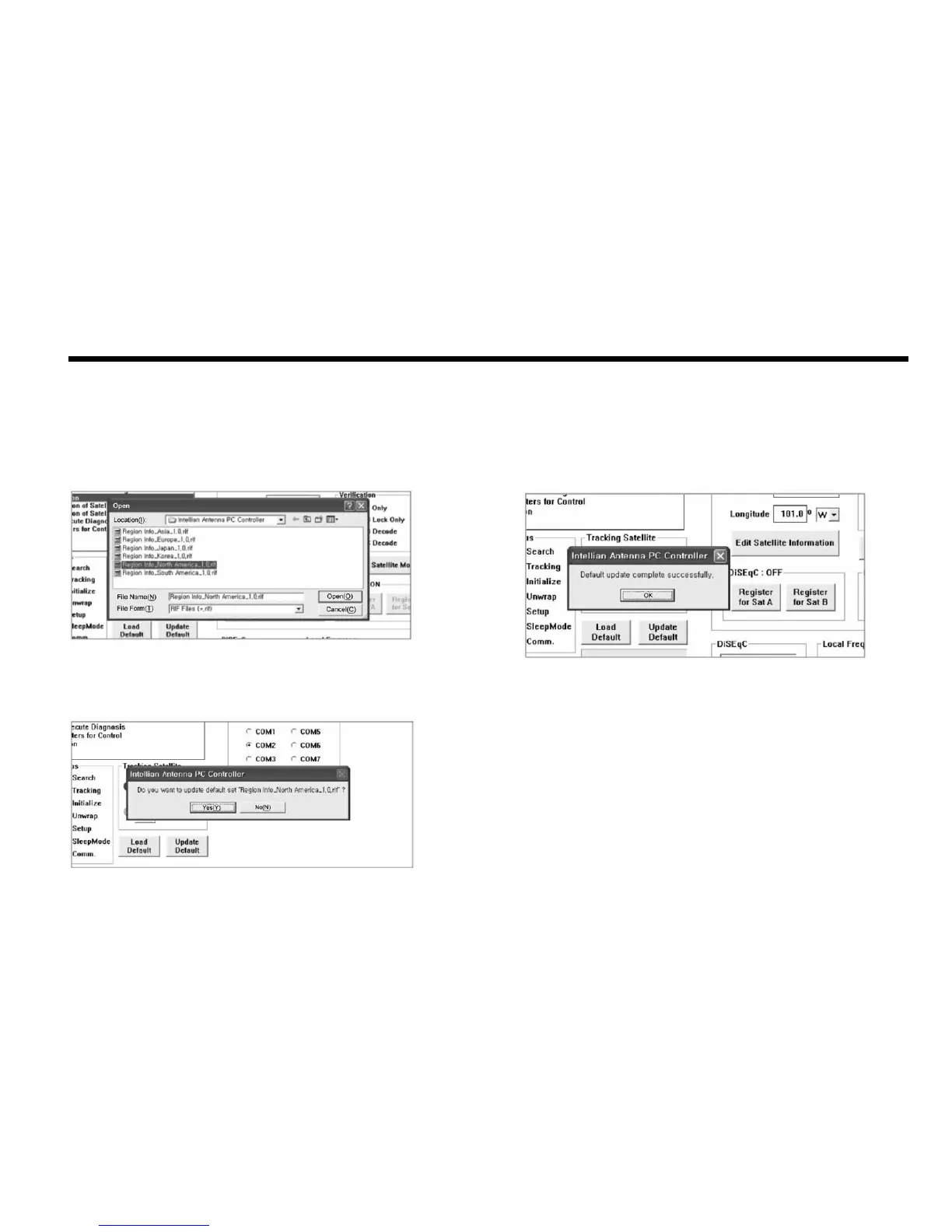
3. Click “OK” button to complete the update.
Figure 26 : Load Regional Library
Figure 28 : Update completed
Figure27 : Conrm the update
1. Load default: Click “Load Default” button to select satellite library (*.rif le) according to your
current region.
2. Update default: Click “Update Default” button to open update default dialogue. Click “YES”
button to update the system.


 To Next Page
 Loading...













