27
TCP/IP Connection
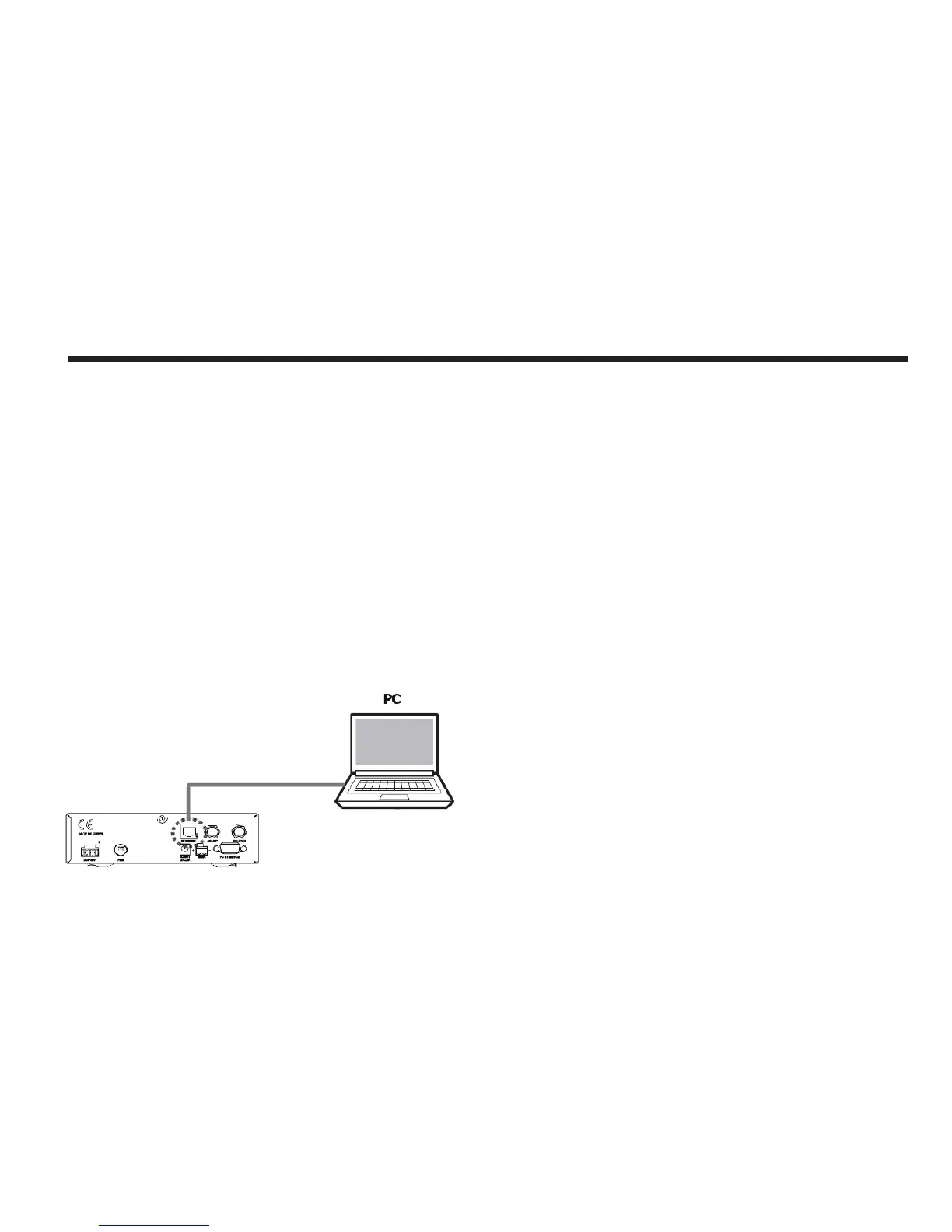
Connection through Rear Panel Ethernet Port
This method requires separate IP conguration on a PC.
1. Connect an Ethernet cable from a PC Ethernet port to Ethernet port on
the back of the ACU
2. Go to Control Panel > Network and Sharing Center > Change Adapter
Settings and right-click on the Local Area Connection then click Properties
3. Select TCP/IPv4, then click Properties.
4. Change the network settings on a PC;
• IP Address: 192.168. 0.222
• Subnet Mask: 255.255.255.0
• Gateway: 192.168.0.223
5. Use the ACU’s IP address to access Intellian Aptus
®
.
• Default: 192.168.0.223
Figure 28 : ACU to PC TCP/IP Connection



 To Next Page