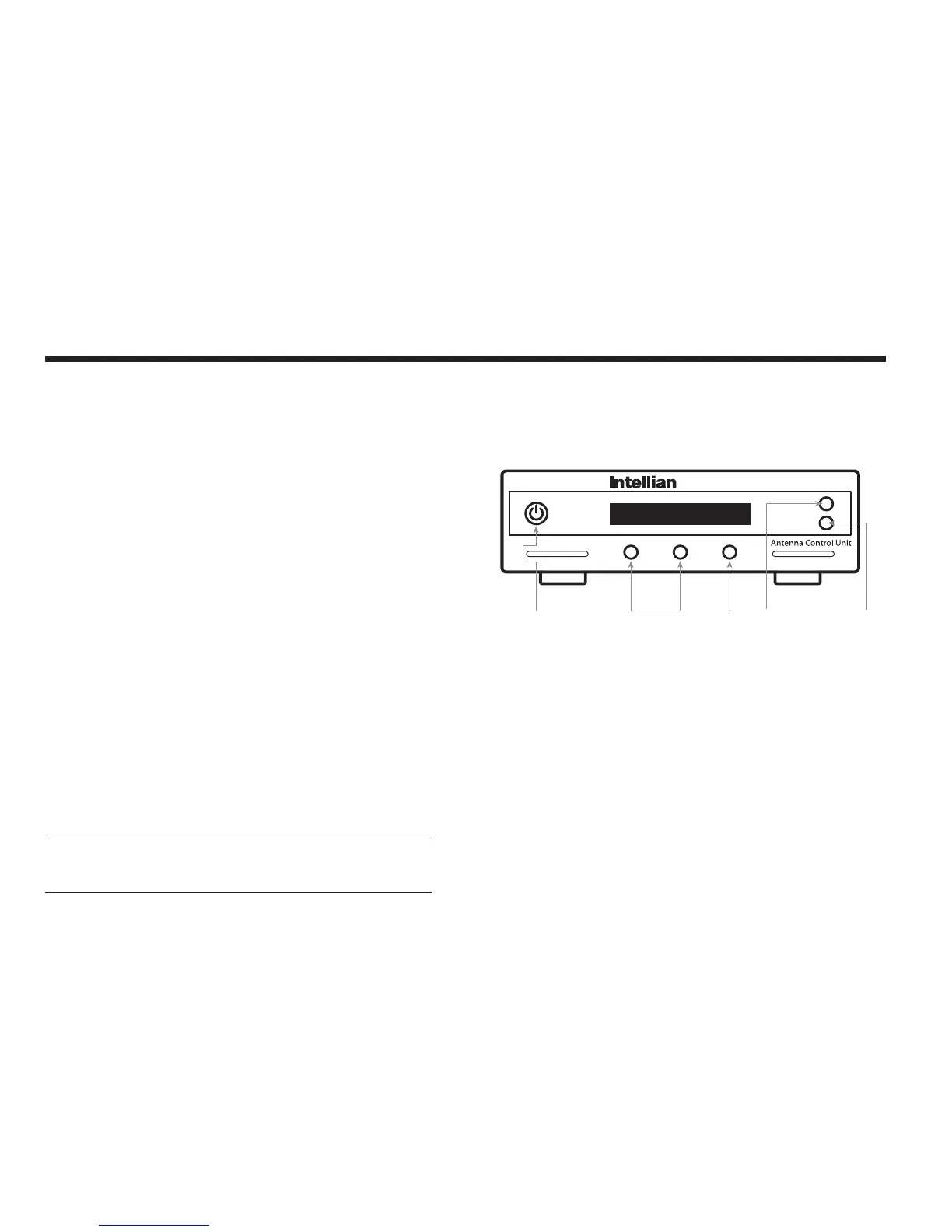
Figure 22 : ACU Soft Keys
Operating the ACU
Introduction
This section of the handbook describes how to setup your Satellite TV
System after installing the ACU. It includes the following functions:
• System startup
• Changing the default satellite
• Monitoring the antenna status
• Setting sleep mode
• Entering setup mode
• Setting the satellite pair
• Editing satellite information
• Setting the antenna parameter
• Setting GPS
• Setting the DiSEqC method
• Display versions
• Display power status
• Setting antenna go position
• Setting antenna move step
• Setting remote control
• Setting the factory default parameters
• Performing diagnostic tests
Note: Many of the listed functions will only be required only after initial
installation of your system. Refer to the Quick Installation Guide before
operating the system.
Operation Instruction



 To Next Page