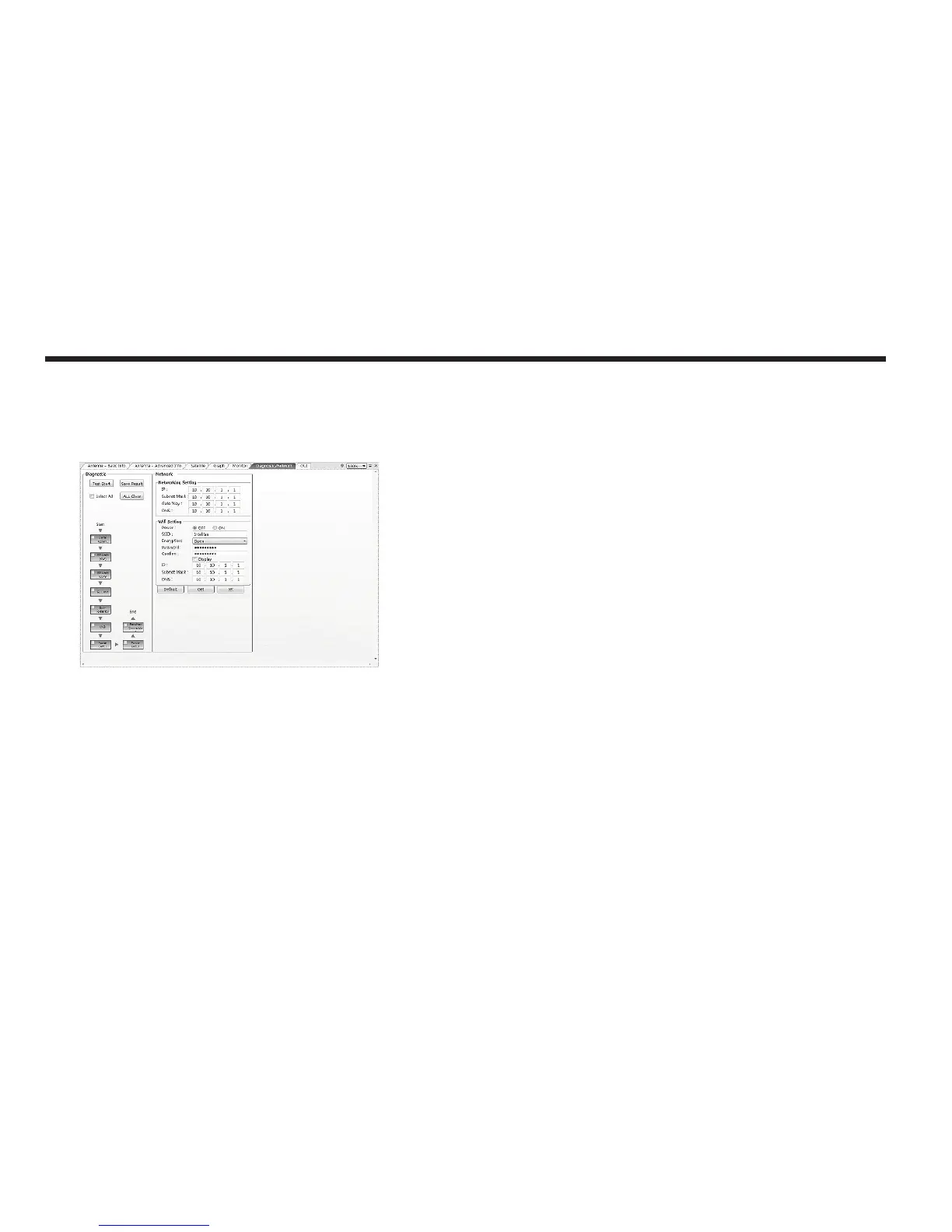
- Diagnostic : select to run a full diagnostic test or single diagnostic test.
“Green” indicator is displayed for the test under progress. “Blue”
indicates the test result as Pass while “Red” indicates the result as Fail.
“Yellow” indicates the test has been skipped.
• Serial Comm.: tests the data communication between the
antenna and the ACU.
• AZ Limit (CW) : tests the azimuth limit (CW)
• AZ Limit(CCW) : tests the azimuth limit(CCW)
• EL Limit: tests the elevation limit.
• Sub-Reector: tests the Sub-Reector.
• LNB: tests the LNB.
• Power (Ant.): tests the antenna power to see whether or not it
is within the nominal operating range.
• Power (ACU): tests the ACU power to see whether or not it is
within the nominal operating range.
• Receiver Connection: tests the data communication between
the antenna and the receiver.
6. Diagnostic / Network
This view provides Antenna Diagnostic Testing and Network Settings.



 To Next Page
 Loading...












