4
EMI-300
7-CHANNEL 2 X 150W MIXING AMPLIFIER
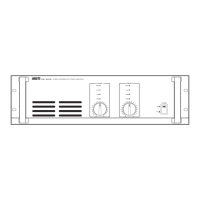
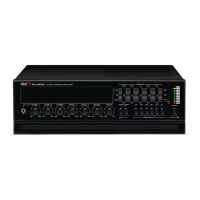
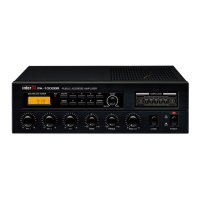
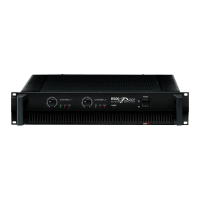
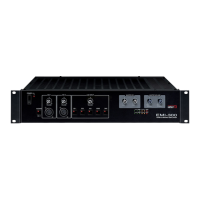
Front Panel
Front Panel
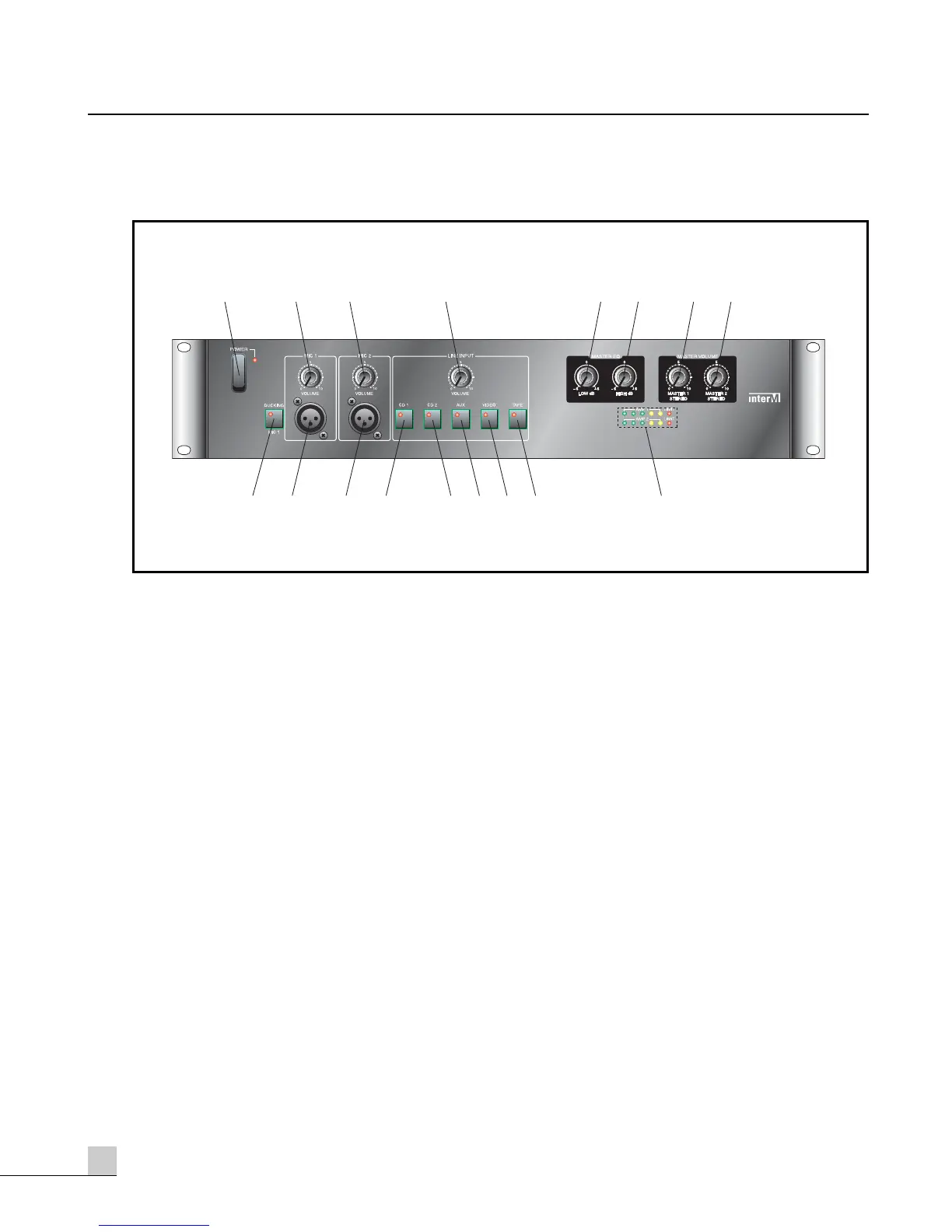
1. POWER SWITCH
This switch is used to switch the unit on and off. When the unit is on, the corresponding power indicator LED
is lit.
CAUTION: Decrease the MASTER gain levels (7) and (8) before switching the EMI-300 on or off.
2. MIC 1 VOLUME CONTROL
This knob controls the MIC 1 channel’s input signal level.
3. MIC 2 VOLUME CONTROL
This knob controls the MIC 2 channel’s input signal level.
4. LINE INPUT VOLUME CONTROL
This knob provides master control of the line input signal level. The active line input is selected using Line
Input switches (12 – 16). Individual line input levels can be set using the rear panel LINE INPUT GAIN
Controls (26).
5. BASS EQ CONTROL
This knob controls the Bass EQ, applied to all input channels. This is a shelving type EQ, providing a boost or
cut of ±6dB at 100Hz.
6. TREBLE EQ CONTROL
This knob controls the Treble EQ, applied to all input channels. This is a shelving type EQ, providing a boost
or cut of ±6dB at 10kHz.


 To Next Page