D-0134090-A – 2022/11
VisualEyes™ - Instructions for Use - EN Page 28
2.6.4 Caloric irrigators (optional)
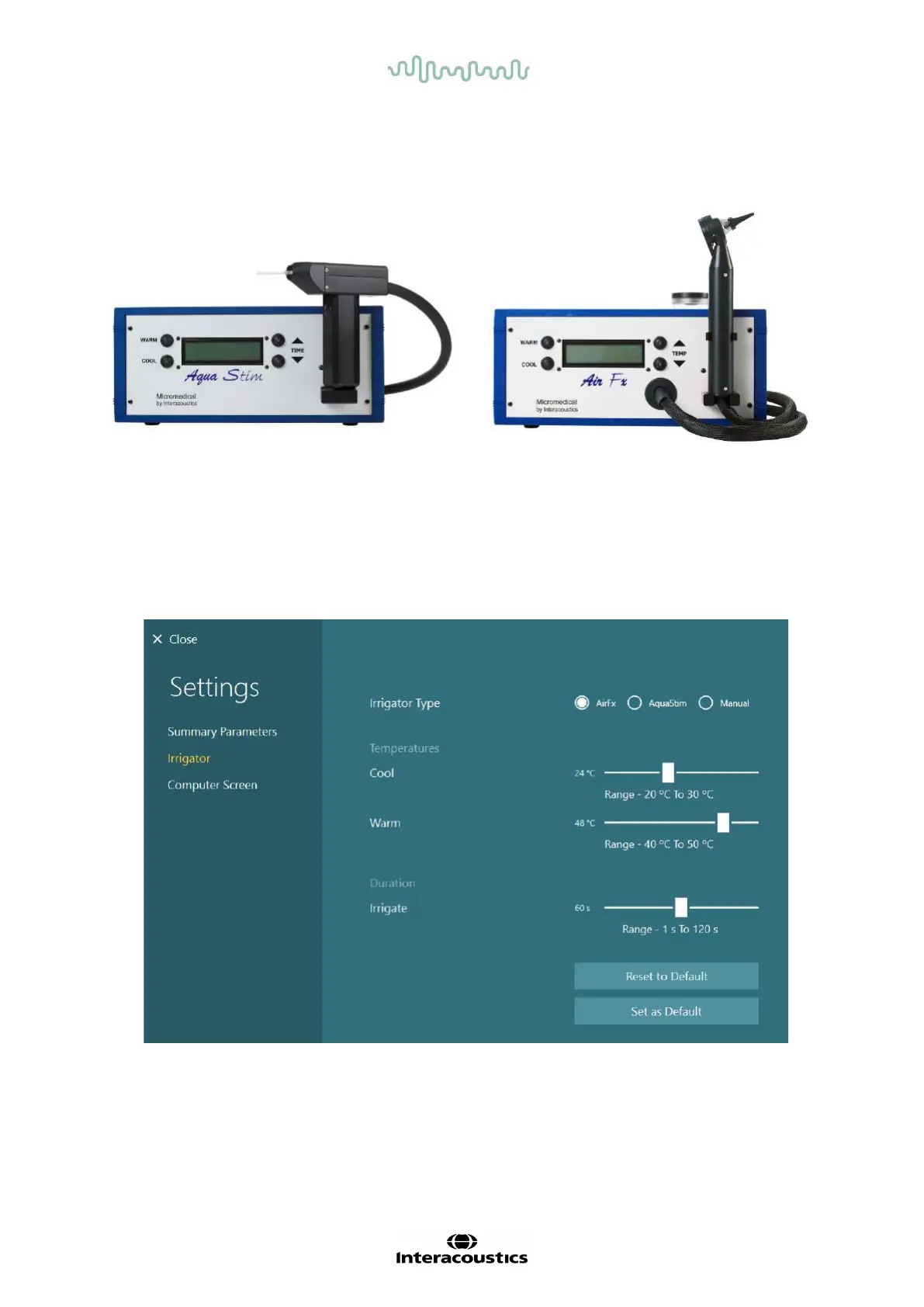
AquaStim and AirFx can be added to VisualEyes™ 515/525 for water or air irrigation. The caloric irrigators can
be controlled through the VisualEyes™ software.
Figure 2.6-13: AquaStim for water irrigation (left), and AirFx for air irrigation (right)
For fill- and installation instructions, please refer to separate documentation for AquaStim or AirFx.
Setup in software:
1. Connect the USB type B connector to the connector on the rear panel of the irrigator. Connect the
other end of the USB cable to the computer or externally powered USB hub.
2. Launch the VisualEyes™ software, and navigate to Configuration > Protocol Management > Caloric
> Edit Test. Go to the Irrigator tab in the panel to the left, and select the Irrigator Type matching the
connecting irrigator.
Figure 2.6-14: Irrigator settings for the caloric test














 To Next Page