D-0134090-A – 2022/11
VisualEyes™ - Instructions for Use - EN Page 58
2.11.3 Session reports
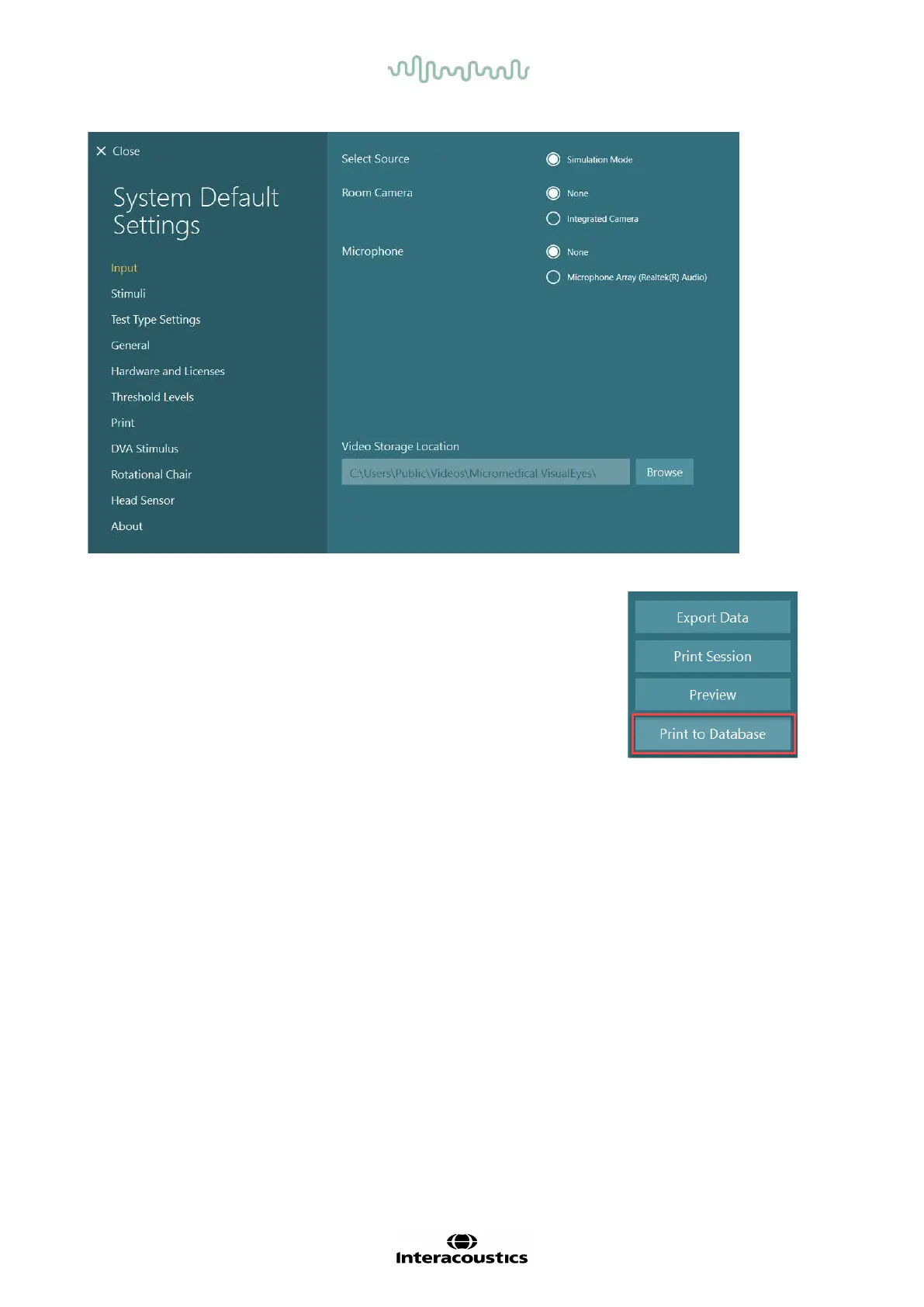
Print to Database
OtoAccess® Database can store session reports in pdf for fast and easy
access without the need to launch the VisualEyes™ software for session
reviews. To use this function, the operator must click “Print to Database” in
the Session Review after each completed session.
Create PDF
It is also possible to enable PDF printing directly from VisualEyes™ for archiving PDF prints outside of
OtoAccess® Database.
This is possible from System Default Settings > Print under PDF Configuration. From here set “Save PDF
Document” to ON, and specify the storage location for the PDF reports by blicking “Browse”, and selecting
the desired folder. The PDF filename can be customized by selecting the fields the operator wants included
in the filename from the Field Selections drop-down selection menu. The fields will be separated in the PDF
filename by the specified Field Delimiter.
NOTICE: Ensure that the specified data location is accessible for all installations if the system is
installed in a server/client configuration.














 To Next Page