D-0134090-A – 2022/11
VisualEyes™ - Instructions for Use - EN Page 59
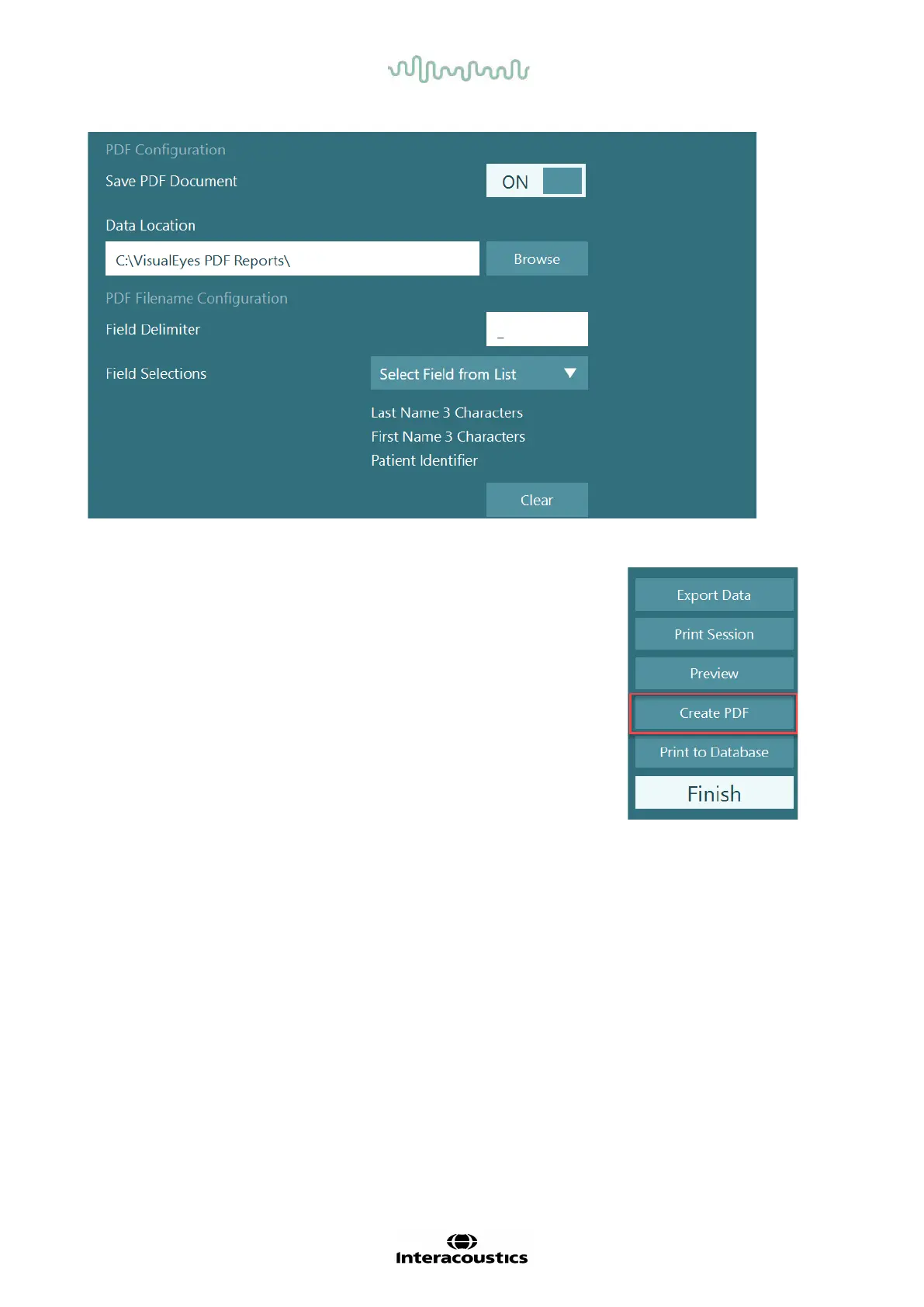
Figure 2.11-1: PDF Configuration section in System Default Settings > Print
After following above instructions, a new “Create PDF” button will appear in
the Session Review after a completed session. Clicking Create PDF will
generate a PDF report in the selected data location, with the configured PDF
filename.














 To Next Page