D-0134090-A – 2022/11
VisualEyes™ - Instructions for Use - EN Page 63
System default settings
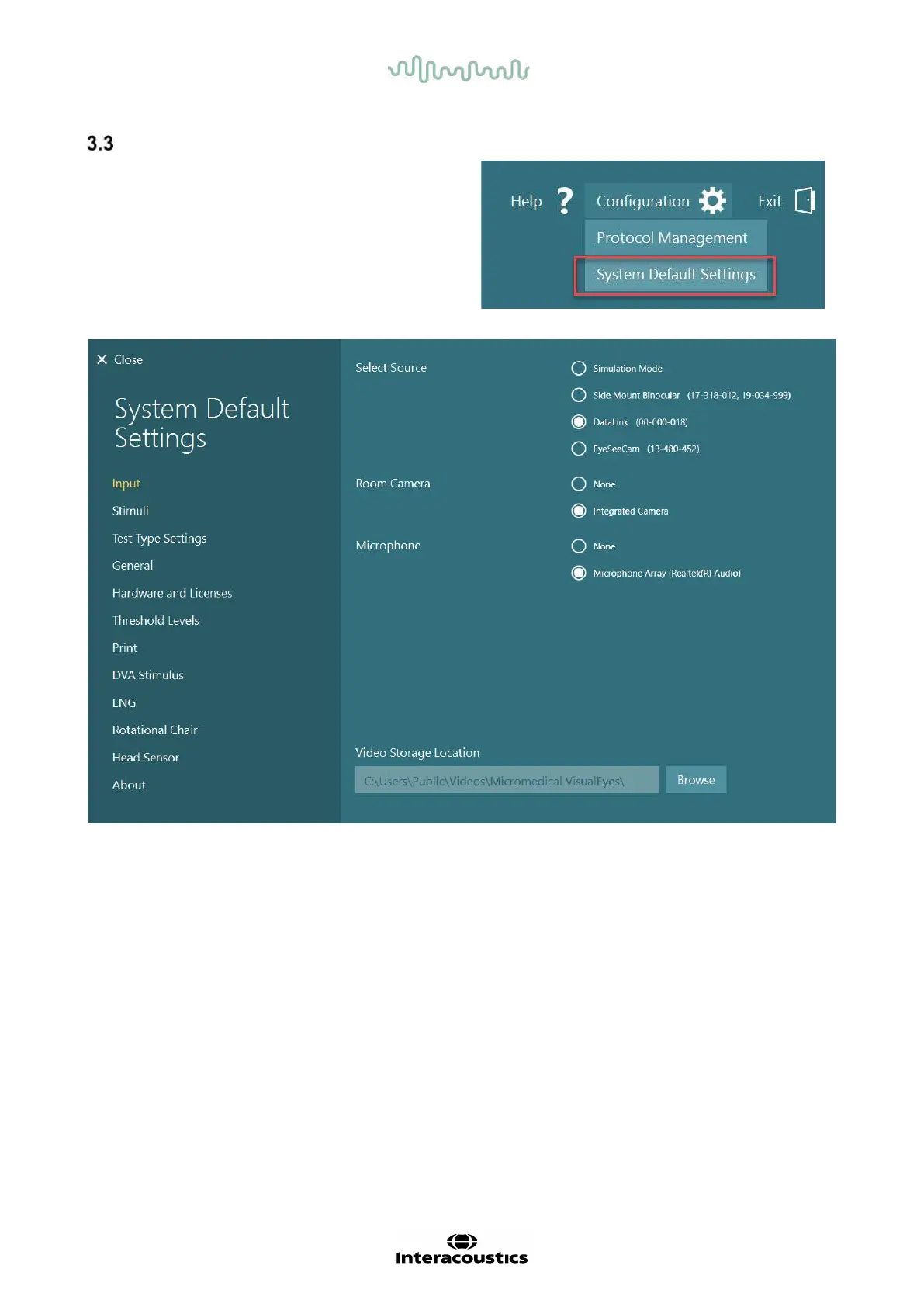
Clicking on “Configuration” from the main
screen, and selecting “System Default Settings”
will take the operator to the menu shown in
Figure
3.3-1
.
This menu is used for setting up the system
components and accessories, and general
software settings, such as language and Video
Storage Location.
Figure 3.3-1: System Default Settings menu
The System Default Settings menu contains several sub-menus selected from the panel on the left side of
the screen. For a detailed description of each of these menus and the available settings, refer to the
Additional Information.














 To Next Page