D-0134090-A – 2022/11
VisualEyes™ - Instructions for Use - EN Page 39
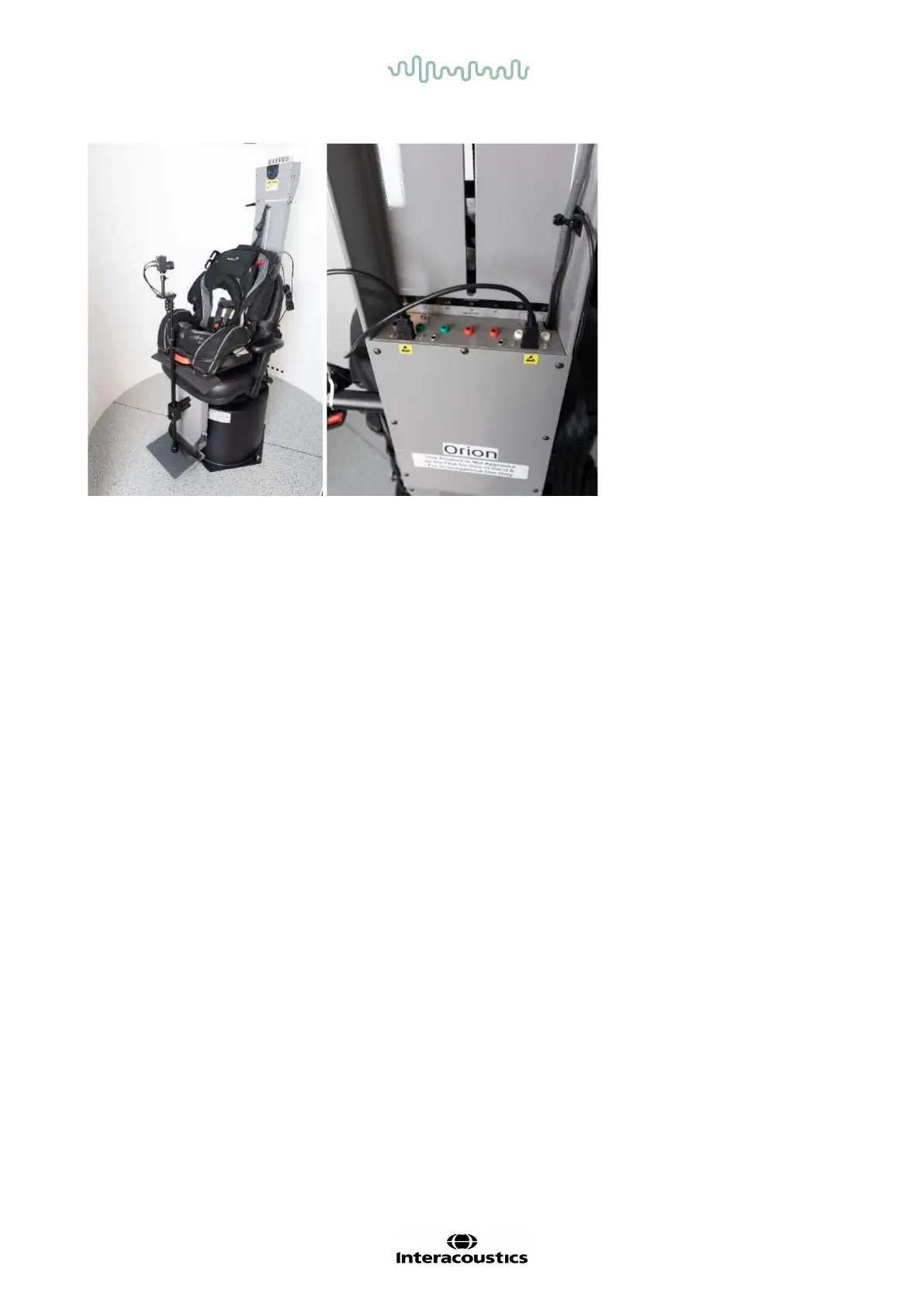
Figure 2.6-30: Pediatric observation camera attached to the Orion Auto-Traverse/Comprehensive chair and connected to the USB ports
on the back of the chair
EOG Accessory kit for Orion Comprehensive/Auto-Traverse
The Auto-Traverse/Comprehensive rotational chairs can be configured with an electrode amplifier built into
the back of the chair frame to test patients with electrode lead wires for ENG evaluations.
This can, unlike the separate DataLink, be used for rotary chair testing. For instructions on electrode
montage and impedance testing, please refer to section 3.5.3.
The ENG in Chair option is compatible with the below tests if licensed:
• Spontaneous Nystagmus
• Gaze
• Smooth Pursuit
• Saccade
• Optokinetic
• Step Velocity
• Sinusoidal Harmonic Acceleration
Hardware setup:
1. Ensure the EOG board is registered in Instacal.
2. Register the EOG board as ”ENG in Chair” in the the VisualEyes™ software, following the
instructions in section 2.8: Hardware registration and licensing.
NOTICE: The VNG goggles must be registered and licensed before registering the ENG in Chair.
2.6.7.4 Rotary chair calibration & validation
After installation of the DAQ hardware driver for the rotary chair, launch OtoAccess® Database and the
VisualEyes™ software.
Go to Configuration>System Default Settings and select Rotational Chair in the left panel.
The user can select the chair type from the drop-down menu. The user can see the Controller board status
and can also adjust the zero position of the chair.














 To Next Page