CS1500, Users
Rev T, June, 2010
Page 32 of 35
There are 3 pieces of data transmitted dependent on which display mode is selected:
Data Identifier Data
0 Net/Gross weight
1 Total weight
2 Peak weight
The scoreboard is designed to work with Intercomp's S400 (4 inch) and SA2000 (2 inch)
scoreboards. The following describes how to configure the S400 or SA2000 to work
with the scoreboard output.
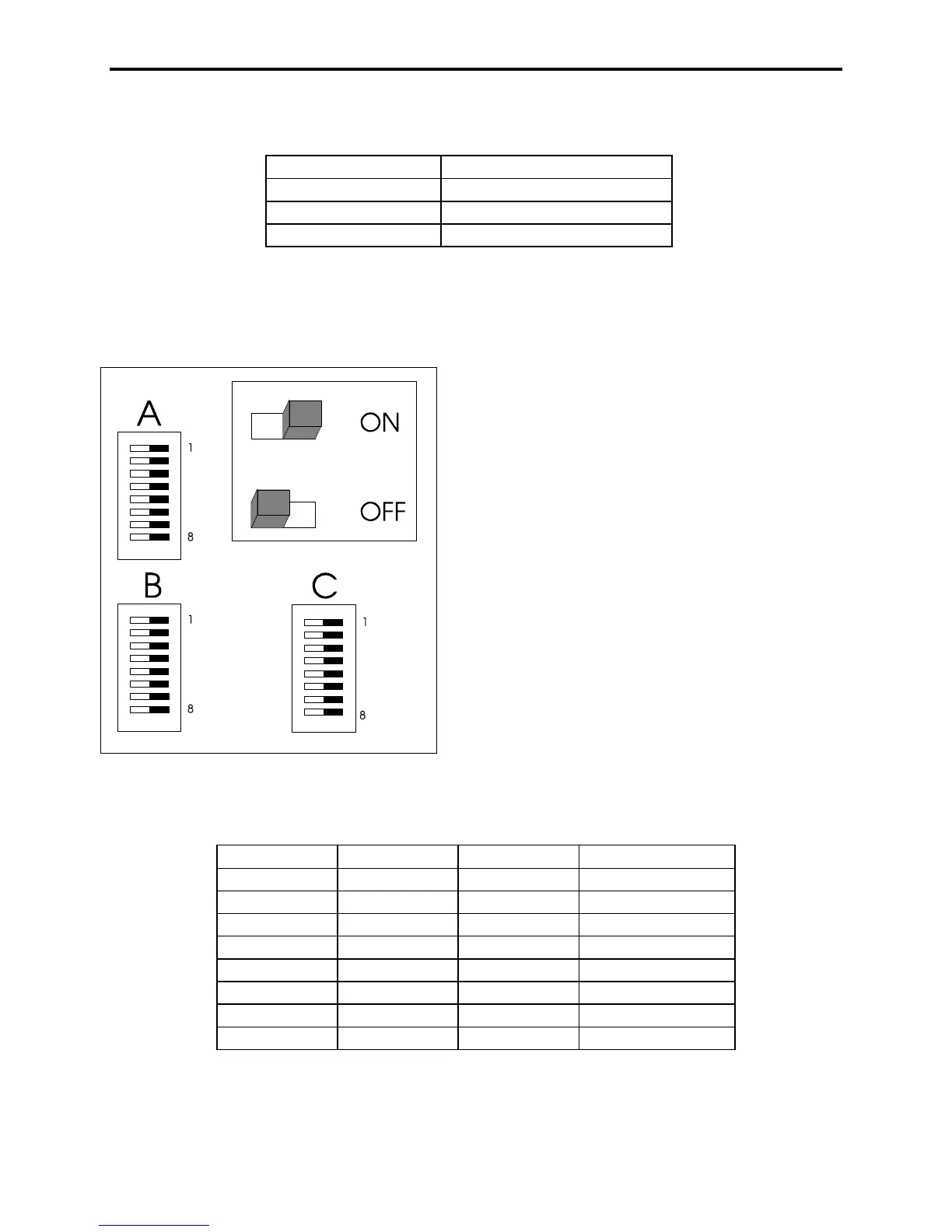
The above diagram is the S400 switch pack layout, The SA2000 has pack C below B.
The switch is to the right for on and to the left for off.
Switch # Pack A Pack B Pack C
1 OFF OFF See next page
2 ON ON "
3 ON OFF "
4 ON OFF "
5 ON ON ON
6 OFF ON ON
7 OFF ON OFF
8 ON ON OFF
The above switches should be set on switch packs A, B, and C.



 To Next Page