PT300 Users Manual
Rev E, April 1999
6
Operations
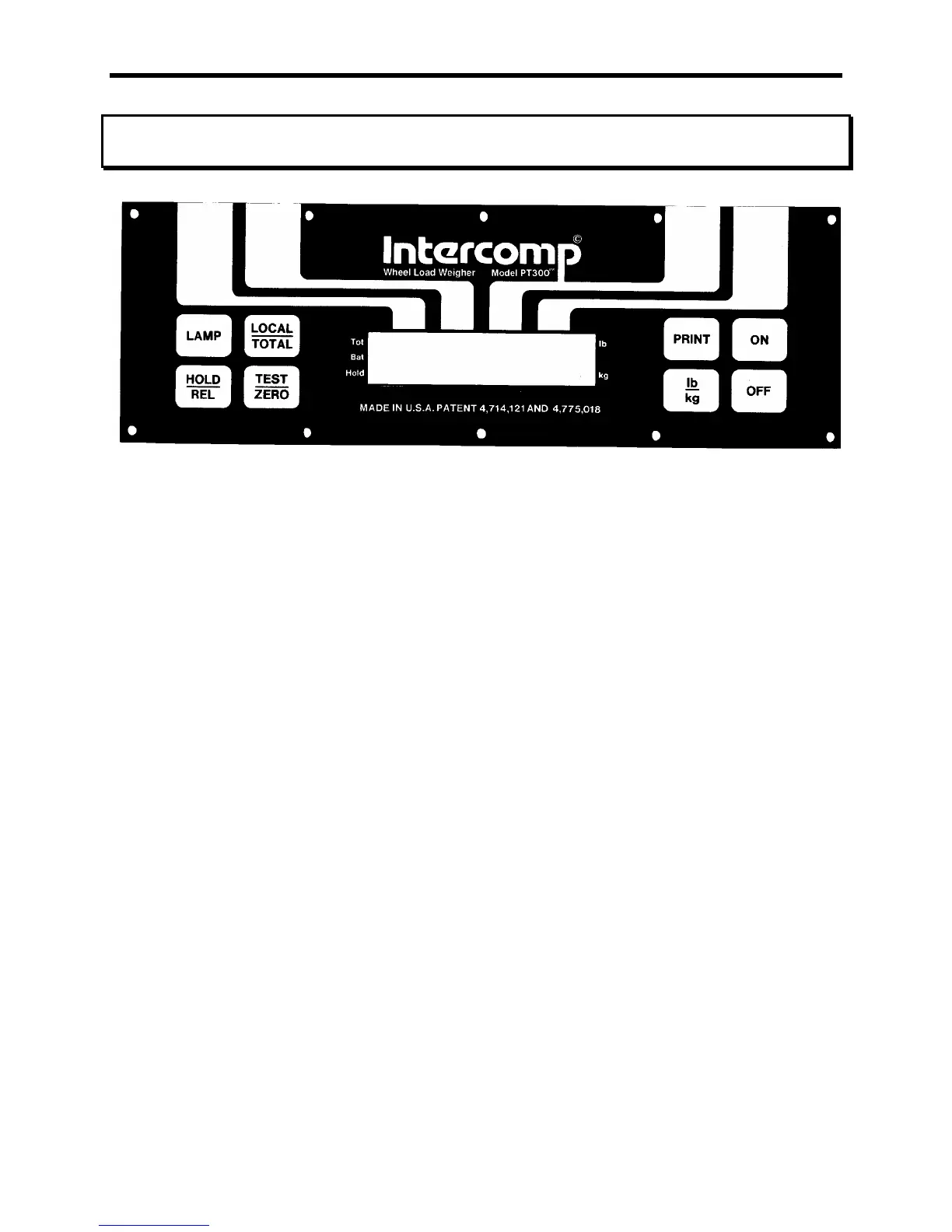
Diagram 1: PT 300 Keypad and Display
ON
Turns the scale on. The scale will test itself by activating all of the segments on the
display and then zero itself. Occasionally the display will show EEEE0, this means
that the scale is seeking zero. The display stays on EEEE0 while the scale is either in
motion or has an unacceptable deadload.
OFF
Turns the scale off.
PRINT
If cabled for a demand output, this button transmits data via a cable to another scale,
printer, display, etc..
lb/kg
Converts the weight on the scale from pounds to kilograms or vice versa. The
indicating bars on the right side of the display indicate which mode the scale is in.
LOCAL/TOTAL
If more than one scale is cabled together, the scales can display the actual weight they
are seeing (local), or the sum total weight of two or more scales (total). The indicating
bar on the upper left side of the display is off when in the local mode, and on when in
the total mode.



 To Next Page