Chapter 2 — Conguring the PB51
22 PB51 Mobile Label and Receipt Printer User’s Guide
Using Extended Test Mode
Use Extended Test mode to run additional diagnostic tests, including
printing specic test labels, entering Dump mode, and resetting to
factory defaults.
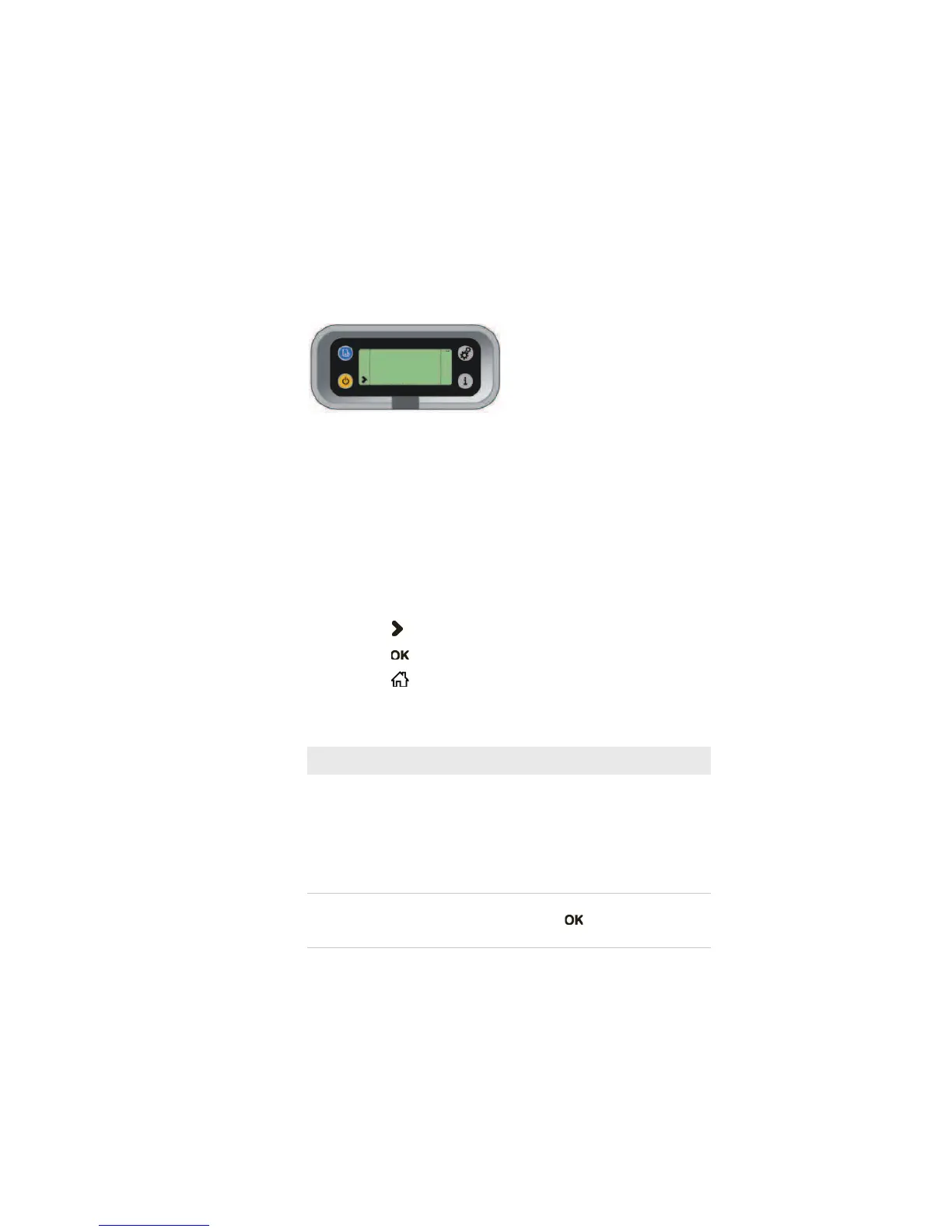
Sample Extended Test Mode Screen
To enter Extended Test mode
1 Make sure that the printer is loaded with media.
2 Press the media cover release button to open the media cover.
3 Press the Standby button to turn the printer o.
4 Press Feed and Standby buttons at the same time until CLOSE
PRINTER DOOR appears on the screen.
5 Close the media cover. You are now in Extended Test mode.
tPress to cycle through the options.
tPress to select a test option.
tPress to exit Extended Test mode.
Options in Extended Test Mode
Description
Select Media This option is almost the same as the
process in Test mode, except that the
printer performs a slow test feed in
Extended Test mode. The slow test feed
enables the printer to perform a slow
sensor calibration which can help resolve
gap or mark detection problems.
Test Labels This option allows you to print test labels
one at a time. Press to print the next
label.



 To Next Page